
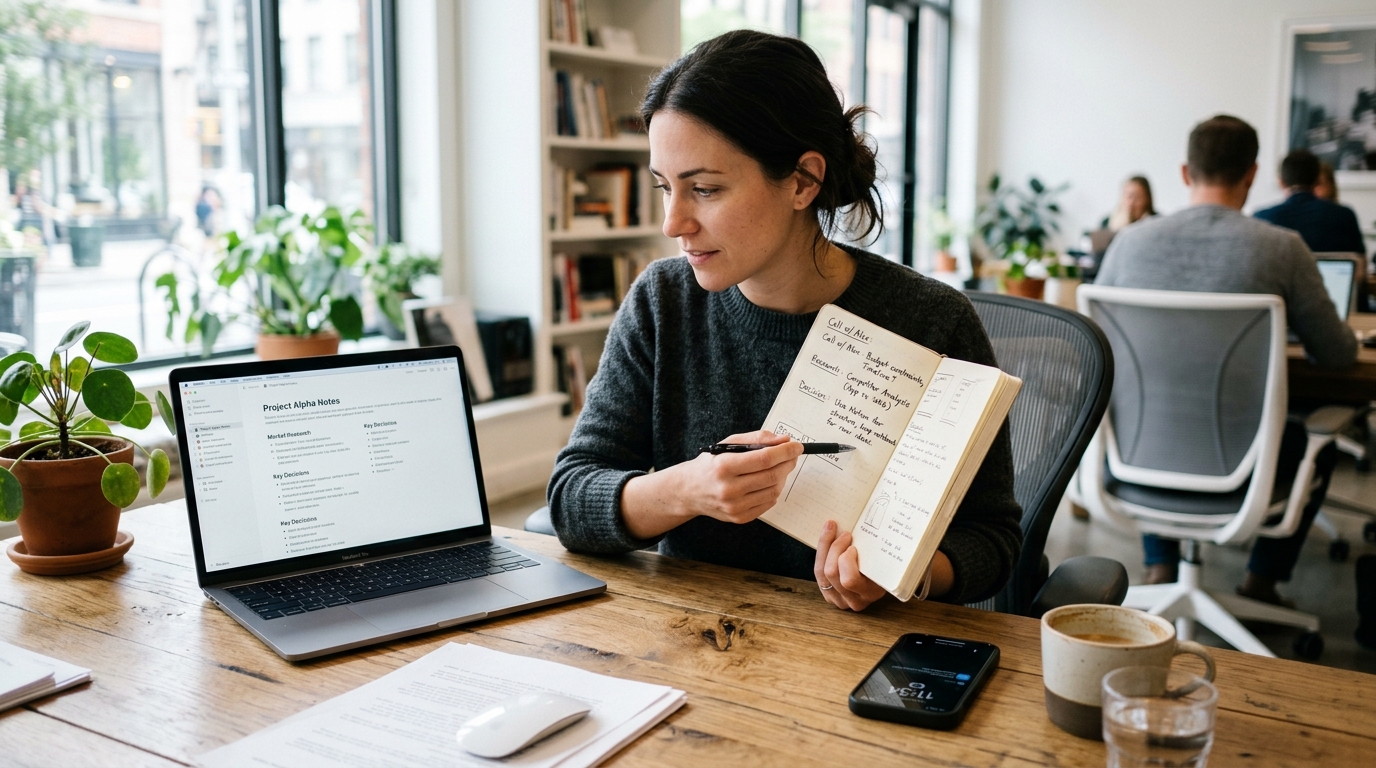
You finish a client call on your phone, open your notes app, and immediately face the same question many people now have: should this live in DeepSeek, Claude by Anthropic, Gemini AI, Perplexity, or Google Keep? The short answer is simple: these tools solve different parts of the note-taking problem, and none of them replaces a full call and voice capture workflow by itself.
That distinction matters. A search tool is not the same as a notepad. A chatbot is not automatically a recorder. And a fast summary is only useful if the original call, voice memo, or meeting details were captured properly in the first place. For iPhone and Android users who handle interviews, customer calls, study sessions, or spoken reminders, AI Note Taker - Call Recorder is a mobile app that records calls and voice notes, then turns them into transcripts and summaries on mobile.
This guide explores digital privacy, security, and mobile app behavior, so A practical standard for judging tools by a practical standard: what data goes in, what useful output comes out, and how much friction appears in between. If you want clear notes after a phone conversation, a Zoom meeting recap, a quick journal entry, or a spoken to-do list, the best setup is usually a combination of capture plus organization, not one fashionable tool used for every job.
Step 1: Start by defining what each tool actually does
Before comparing features, define the category correctly.
DeepSeek is primarily used for reasoning, drafting, coding, and question answering. Claude by Anthropic is commonly chosen for long-form analysis, writing help, and careful text handling. Gemini AI often fits people already working inside Google's ecosystem. Perplexity is strongest when you want fast, source-driven answers and web-backed exploration. Google Keep is a lightweight note and list tool, closer to a digital notepad than a research assistant.
That means the first decision is not “Which one is best?” but “What job am I asking it to do?” If your real need is capturing a phone call or a voice memo before you forget the details, a recorder matters before any summary tool does. If your real need is turning raw notes into a cleaner outline, then one of these text-focused tools may help after capture.
People often blur these categories. They search for a call recorder, then end up comparing chatbot brands. Or they search for Google Keep alternatives when what they really need is a voice recorder as well as a notepad. The mismatch wastes time.

Step 2: Match the tool to the kind of note you create most often
Here is the simplest way I recommend evaluating the options.
- If your notes begin as spoken content — phone calls, interviews, classes, personal reminders, support conversations — start with capture.
- If your notes begin as questions — research, comparison shopping, idea validation — start with retrieval and answer quality.
- If your notes begin as short fragments — checklists, grocery lists, quick reminders — start with speed and simplicity.
- If your notes begin as long documents — reports, strategy drafts, meeting synthesis — start with context handling and editing quality.
That framework immediately separates Google Keep from Perplexity, and Perplexity from Claude. It also explains why many people still need a dedicated recorder app even when they already use Gemini or DeepSeek.
For example, Google Keep is excellent for short capture with minimal friction. It is weak as a deep reasoning environment. Perplexity is useful when you want to ask, compare, and verify. It is not a personal voice archive. Claude is often preferred for thoughtful drafting and long-context work, but it does not replace the practical need to record a call. Gemini works well for users who are already tied to Google services, while DeepSeek attracts people who want strong performance and lower-cost access patterns.
Step 3: Use real adoption data to understand why DeepSeek is now in the comparison set
DeepSeek is no longer a niche name that only technical users mention. According to TechRT's 2026 DeepSeek statistics roundup, the platform reached more than 125 million monthly active users worldwide by May 2025. The same report says it processed 5.7 billion API calls per month, which helps explain why it now appears in everyday comparison searches alongside bigger consumer-facing tools.
Another useful data point comes from Business of Apps, which reports that DeepSeek has been downloaded 75 million times and that its third iteration reportedly cost $5.5 million to build. Whether someone cares about model economics or not, these numbers point to a broader shift: people are actively testing alternatives rather than defaulting to a single assistant.
In practical terms, that means users now compare DeepSeek with Claude by Anthropic, Gemini AI, and Perplexity not because they are identical, but because each has become part of a real workflow decision.
Step 4: Compare the tools by output quality, not by brand familiarity
When people choose badly, they often choose the most familiar name instead of the most suitable output.
DeepSeek tends to attract users who care about strong reasoning, technical tasks, and value. Claude by Anthropic is often the better fit when the work involves nuanced writing, document digestion, and a calmer drafting style. Gemini AI makes more sense if your files, calendar, and notes already live around Google services. Perplexity shines when you need quick answers with references. Google Keep wins when the task is simply “write it down now and find it later.”
Unlike a dedicated recorder, though, none of these is primarily built around the first mile of note creation: capturing a live call, a spontaneous voice memo, or a spoken summary while walking between meetings. That is where category confusion creates disappointment.
If you want a mobile workflow that starts with the actual audio, AI Note Taker - Call Recorder is designed for that specific step: call recorder plus voice recorder, followed by transcript and summary. It is especially relevant for freelancers, consultants, recruiters, journalists, students, and small teams who speak more notes than they type.
Step 5: Apply selection criteria that matter in daily use
When reviewing mobile tools, I look for criteria people feel within a week, not features they admire once on a landing page.
- Capture reliability: Can it record calls or voice notes consistently on your phone?
- Searchability: Can you find one sentence from a long conversation later?
- Summary quality: Does the tool produce useful follow-up notes, or just polished fluff?
- Organization: Does it behave more like a journal, notepad, or searchable archive?
- Privacy clarity: Are data handling expectations reasonably understandable?
- Cross-platform fit: Does it work with how you already use phone, desktop, or apps like OneNote and similar note systems?
- Pricing discipline: Are you paying for features you actually use?
For target users, the right fit usually looks like this:
Best for spoken-work users: people who live in calls, interviews, lessons, and voice notes.
Best for research-heavy users: people who ask lots of comparative questions and need cited answers.
Best for quick personal notes: people who just want a lightweight notepad replacement.
Who is this not for? If you rarely take calls, never record voice notes, and mostly want a basic shopping list or a sticky-note app, a full recorder-and-transcript workflow may be more than you need. In that case, Google Keep or another simple note tool may be enough.
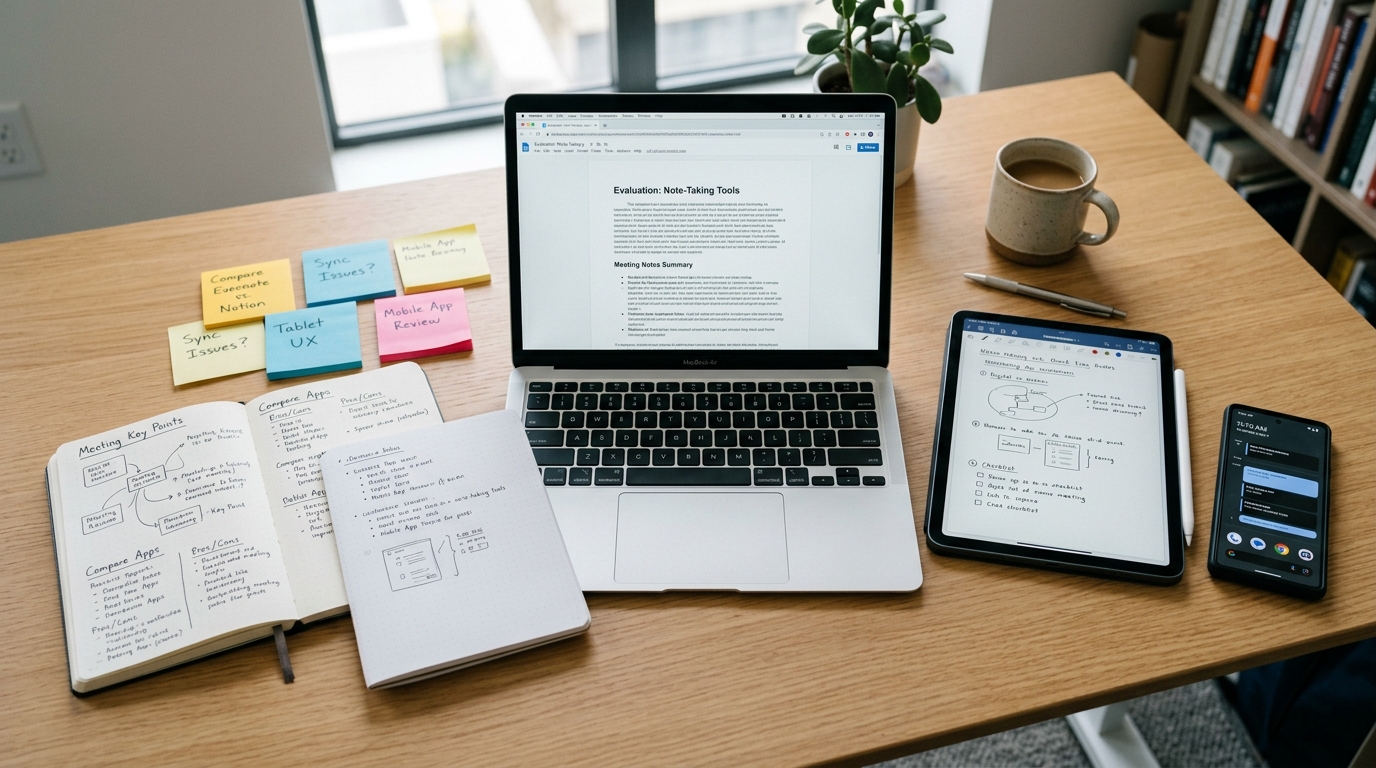
Step 6: Avoid the common mistakes that ruin note workflows
I see the same mistakes repeatedly.
- Using a research tool as a memory system. Perplexity may help you investigate, but it is not automatically your long-term call archive.
- Using a notepad as a recorder substitute. Google Keep is convenient, but convenience is not the same as full call recording.
- Ignoring the first capture point. If the original audio is missing, every later summary is weaker.
- Choosing by trend instead of workflow. DeepSeek's growth is real, but popularity does not tell you whether it fits your daily note habits.
- Skipping privacy checks. As someone who researches mobile privacy and security, I always advise users to think about what kind of conversations they are storing and whether a tool matches that sensitivity.
This is especially important for people searching phrases like “how to record telephone conversation on iPhone.” That question is not really about abstract features. It is about preserving details when memory is unreliable and the stakes are practical: client instructions, verbal approvals, family information, support calls, or interview quotes.
Step 7: Build a two-layer system instead of expecting one app to do everything
The most dependable setup is usually a two-layer system.
Layer one is capture. This is where a call recorder or voice recorder mobile app matters. It handles the raw input: call audio, voice notes, or meeting recordings.
Layer two is thinking and organization. This is where you may use Claude by Anthropic for rewriting, Gemini AI for workspace-adjacent tasks, Perplexity for research follow-up, DeepSeek for problem-solving, or Google Keep for quick reference notes.
Compared with generic alternatives, this approach is more realistic. A plain voice recorder saves audio but often leaves you with hours of unstructured files. A plain chatbot can rewrite text but may not help you collect it in the first place. A simple notepad stores fragments but misses spoken nuance. The workflow improves when each layer does its own job well.
In practice, when reviewing mobile workflows, this is the point many comparisons miss: real users do not operate inside one neat tool. Their calls, team discussions, Zoom meeting notes, and voice reminders are scattered across formats.
Step 8: Ask four practical questions before you decide
Do I mostly think by speaking or by typing?
If speaking comes first, prioritize a recorder and transcript flow.
Do I need answers from the web or memory from my own calls?
If you need sourced discovery, Perplexity is the better fit. If you need your own conversation history, you need a capture tool.
Do I want minimal notes or developed drafts?
Google Keep suits quick fragments. Claude by Anthropic often suits longer editing work.
Am I choosing a tool or building a workflow?
Most people need a workflow. One app rarely covers call, recorder, search, summary, and archive equally well.
Step 9: Recognize when AI Note Taker - Call Recorder fits naturally
AI Note Taker - Call Recorder is a practical fit when your notes begin with a phone conversation, a voice reminder, or an interview and you want the transcript to be usable afterward on mobile. It is available as a mobile app for people who need both call recording and voice recording, rather than just a place to type after the fact.
If you want a clearer record of what was actually said, its capture-first design is more relevant than forcing DeepSeek, Gemini AI, Perplexity, Claude by Anthropic, or Google Keep to do a job outside their core strengths.
For readers interested in how mobile app companies are shaping these kinds of focused tools, Frontguard's app portfolio gives useful context on product ecosystems built around everyday mobile utility.
Step 10: Make your choice based on the first action you need tomorrow morning
If tomorrow morning starts with research, choose the tool that answers well. If it starts with writing, choose the one that edits well. If it starts with a call, choose the one that records well.
That may sound obvious, but it cuts through most comparison noise. DeepSeek, Claude by Anthropic, Gemini AI, Perplexity, and Google Keep each make sense in the right lane. Trouble starts when users expect a search engine to behave like a journal, a chatbot to behave like a call recorder, or a notepad to behave like a meeting archive.
My advice is simple: identify the first mile of your workflow, then choose the tool that handles that first mile cleanly. Everything after that becomes easier to organize, summarize, and search.