
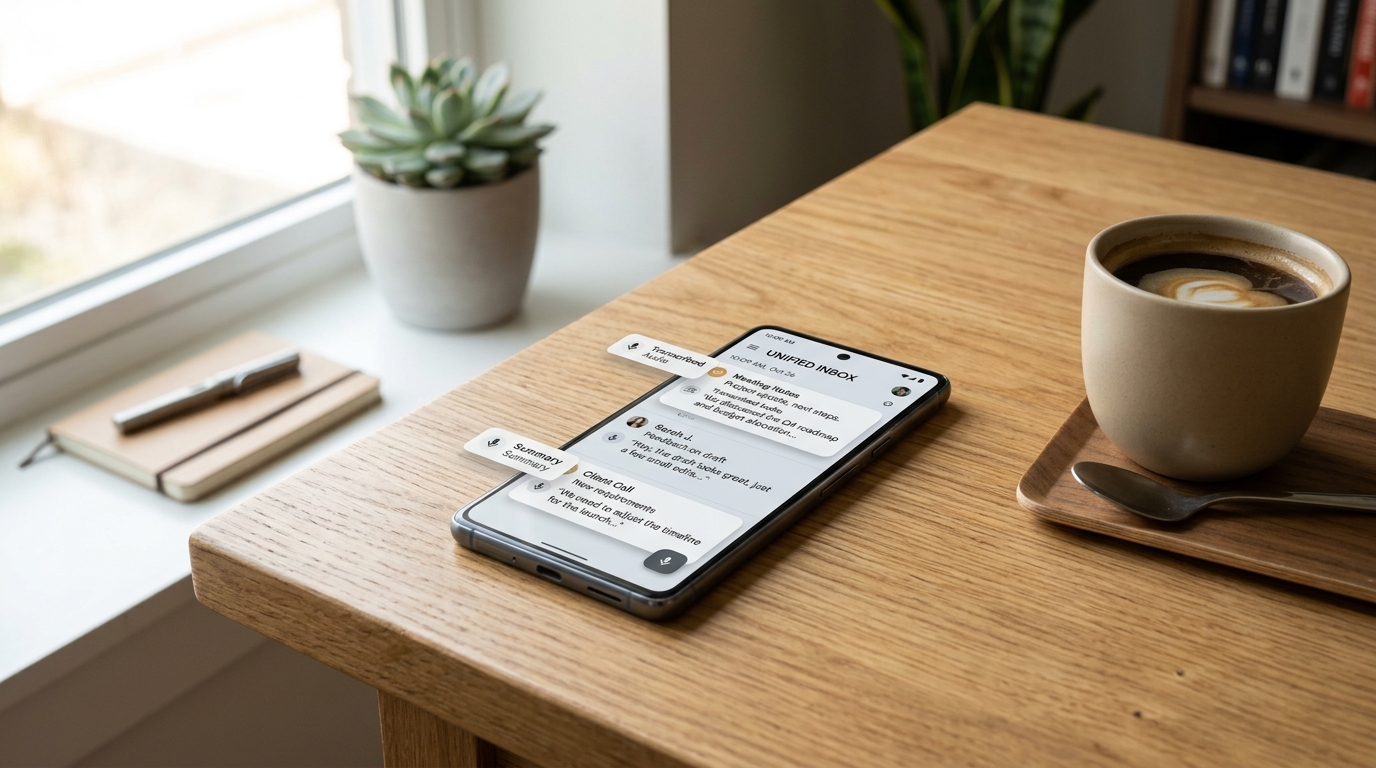
The new Unified Voice Engine in Call Recorder - AI Note Taker solves audio fragmentation by automatically capturing, transcribing, and summarizing everything from standard phone calls to voicemails in one intelligent inbox. A few weeks ago, I spent 45 maddening minutes on the phone trying to resolve an internet outage at my home. After finally getting through the automated menus and speaking to three different representatives via the Comcast customer service number, I hung up—only to realize I hadn't written down my support ticket or the technician's arrival window. As a software engineer with eight years of experience building mobile applications, including complex family safety and location tracking technologies at Frontguard, I was frustrated. I was relying on my phone's default, clunky tools to remember crucial details, and they failed me entirely.
That personal friction point mirrored exactly what our user research was telling us. People are tired of disjointed audio tools. You shouldn't have to piece together fragmented memories just because a conversation happened over a cell network instead of a structured meeting room. This realization pushed our development team to fundamentally rebuild how our application handles external audio, transforming it from a simple utility into a comprehensive, automated workflow.
Why did we need to rebuild the core audio capture infrastructure?
For years, mobile users have accepted a highly fragmented digital life. You might use one app for a Zoom meeting, rely on your carrier for voicemail, and scramble to open a basic notepad or Google Keep to jot down notes during a live phone conversation. The mental load required to manage these different streams is unsustainable.
Recent industry data confirms that the expectations for mobile utilities are shifting dramatically. According to the Adjust Mobile App Trends 2024 report, the global app market is projected to reach significant new heights by the end of the year. The era of easy app installs and simple, single-feature tools is over. More importantly, the Adjust report highlights that AI is actively transitioning from a "strategic feature" to foundational infrastructure. Users no longer want an AI gimmick; they expect intelligence built deep into the operating mechanics of their devices.
As my colleague Kaan Demir pointed out in his recent analysis on busting audio capture myths, traditional raw audio files are becoming a dead format. We realized that to provide genuine value, our app needed to stop acting just as a passive recorder and start functioning as an active participant in organizing your life.
How does the new engine handle complex holds and automated menus?
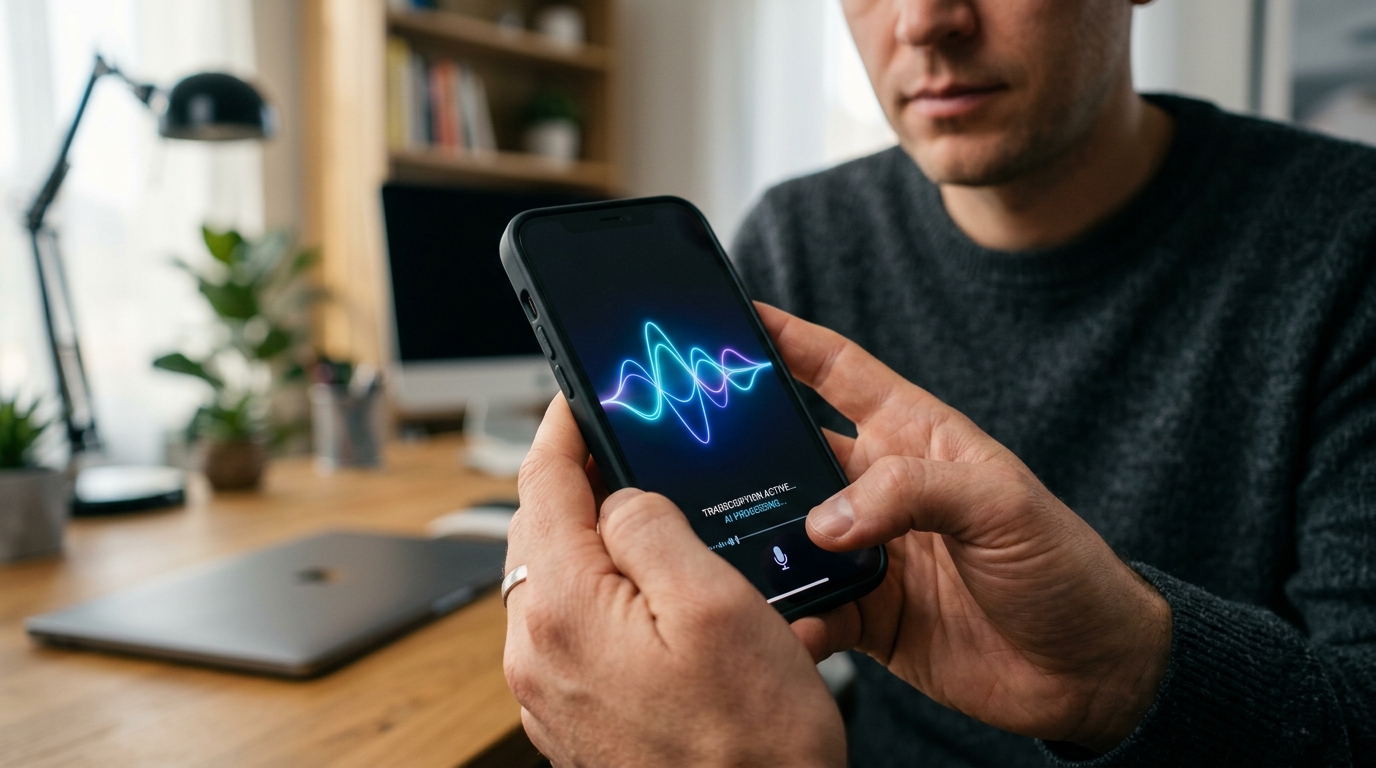
When you are trying to figure out how to record a phone call on Android, the default solutions usually result in massive, unsearchable audio files. If you sit on hold for twenty minutes before a brief, two-minute conversation with a representative, older apps will simply hand you a twenty-two-minute audio block. Finding the actual information requires manual scrubbing.
Our updated engine changes this by utilizing advanced silence-trimming and context-aware transcription. It acts almost like a personal answering service that listens, filters the noise, and pulls out the actionable data. By integrating powerful processing models—similar to the architecture found in Turbo AI or Claude by Anthropic—the system parses the transcript to separate hold music and menu navigation from human dialogue. Instead of a long, useless file, you get a clean summary of what was actually discussed, making the data instantly useful.
Where do voicemails and digital meetings fit into this workflow?
The distinction between different types of spoken communication is blurring. Sometimes a client leaves a rambling voicemail; other times, you are dialing into a conference from your mobile device via a Zoom join meeting link. The source of the audio matters far less than the information it contains.
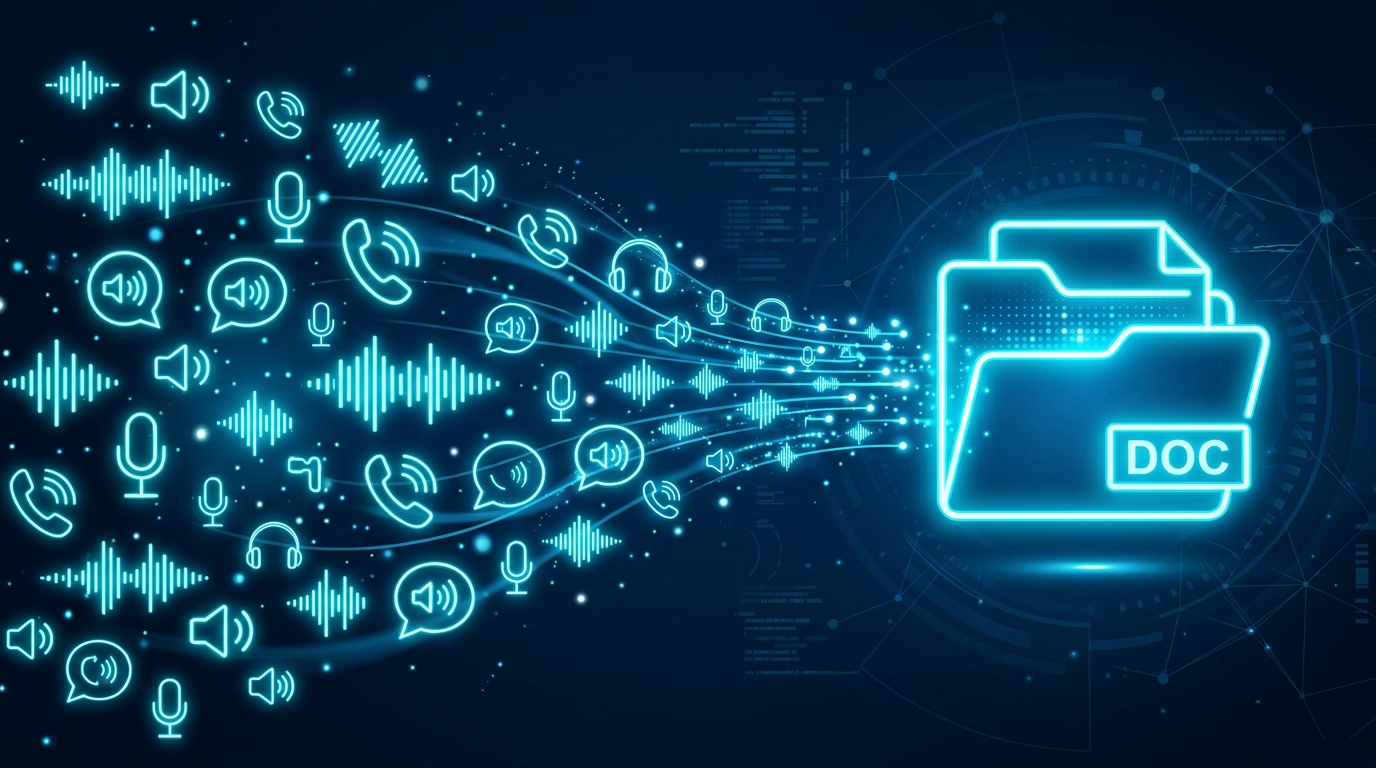
With our new unified architecture, you don't need to manually export files from a TextNow app or route audio through complicated desktop setups. The system is designed to catch the audio at the device level. Whether it is a traditional voice call, a downloaded voicemail, or a discussion captured through your device's microphone, everything flows into one standardized inbox. It effectively replaces the need for keeping a physical journal or manually copy-pasting text into secondary apps.
What makes this different from traditional notebooks and transcription tools?
Many professionals attempt to build their own voice workflows by cobbling together different software. They might capture a file, upload it to Otter AI (frequently searched by users as Otterai), and then manually move the resulting text into a structured system like OneNote or a simpler One Note list. While standalone transcription tools are undeniably powerful for large corporate environments, that multi-step process introduces far too much friction for daily mobile use.
When you compare our native approach to generic notebooks or note-taking platforms like Google Voice, Google Keep, or Pingo AI, the difference comes down to automation. Those tools require you to actively initiate the note-taking process. Our system works in the background. You don't have to worry about creating a flawless manuscript of your call; the AI isolates the critical action items for you. As Selin Korkmaz detailed in her step-by-step introduction to our app, the goal is to completely remove the manual data-entry phase from your daily routine.
Who actually benefits from this shift in voice management?
Building a universal tool usually results in software that does nothing particularly well. Therefore, we designed this specific update with clear use cases in mind.
- Freelancers and Consultants: If you negotiate rates or take creative briefs over the phone, having an immediate, searchable transcript prevents scope creep and forgotten deliverables.
- Busy Parents and Household Managers: From scheduling doctor appointments to managing contractors, the ability to instantly recall the details of a fast-paced call without writing anything down is a massive time-saver.
- Small Business Teams: Those who need to document client interactions without investing in heavy CRM software can rely on these automated summaries to keep records straight.
Conversely, who is this NOT for? If you are managing a massive enterprise call center that requires strict, server-level compliance logging across hundreds of employees, a dedicated corporate platform like Enterprise Otter is going to be more appropriate. Our focus remains resolutely on helping the individual professional and the everyday consumer.
How do you choose the right capture setup for your daily routine?
When evaluating how to manage your spoken information, consider your actual environment. The Adjust report also points to an increase in "data-light" user behaviors, meaning people are favoring applications that work efficiently without massive cloud data drain. When selecting a tool, prioritize offline capabilities and native processing.
Ask yourself: Does this tool require me to open it before I start talking? Does it force me to manually categorize the output? If you are constantly losing details from your daily interactions, Call Recorder - AI Note Taker's new unified engine is designed to handle that heavy lifting quietly and reliably in the background.