
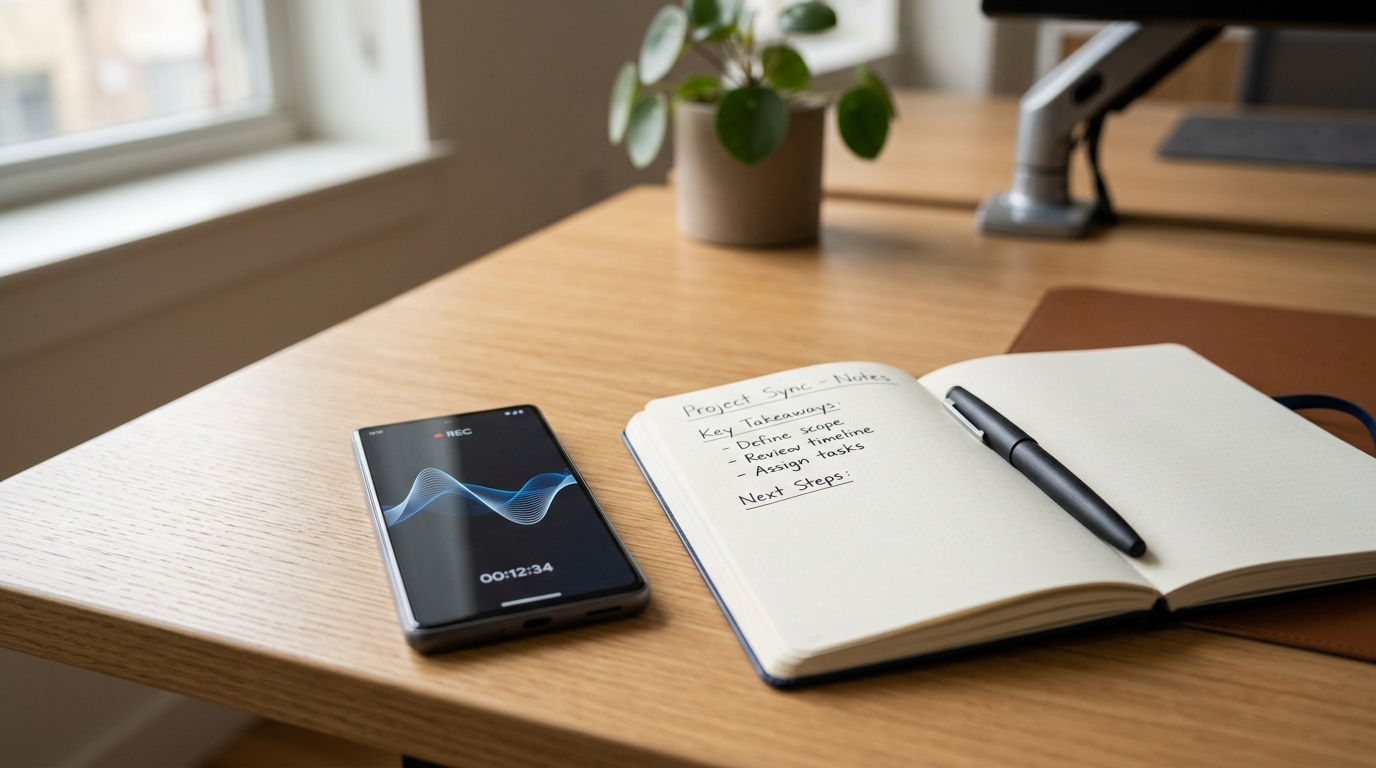
Recent industry data highlights a significant challenge for mobile software: according to industry analysts's 2026 Mobile App Trends analysis, approximately 70% of users delete applications that feel slow or unintuitive immediately after their first use. Meanwhile, the latest Adjust 2026 report indicates that global consumer spend on mobile tools has increased by 10.6% to $167 billion. As a digital privacy and mobile technology researcher, I've observed that this financial shift isn't driven by people buying more of the same generic tools; rather, users are abandoning fragmented manual systems in favor of highly optimized, automated digital workflows.
At its core, a modern mobile capture tool is no longer just a passive audio container; it is an intelligent system that automatically records, transcribes, and structures raw conversations into searchable digital text. If you want to stop losing important verbal agreements, Call Recorder - AI Note Taker's real-time transcription feature is designed for that exact purpose.
Compare Legacy Note-Taking Against Automated Voice Workflows
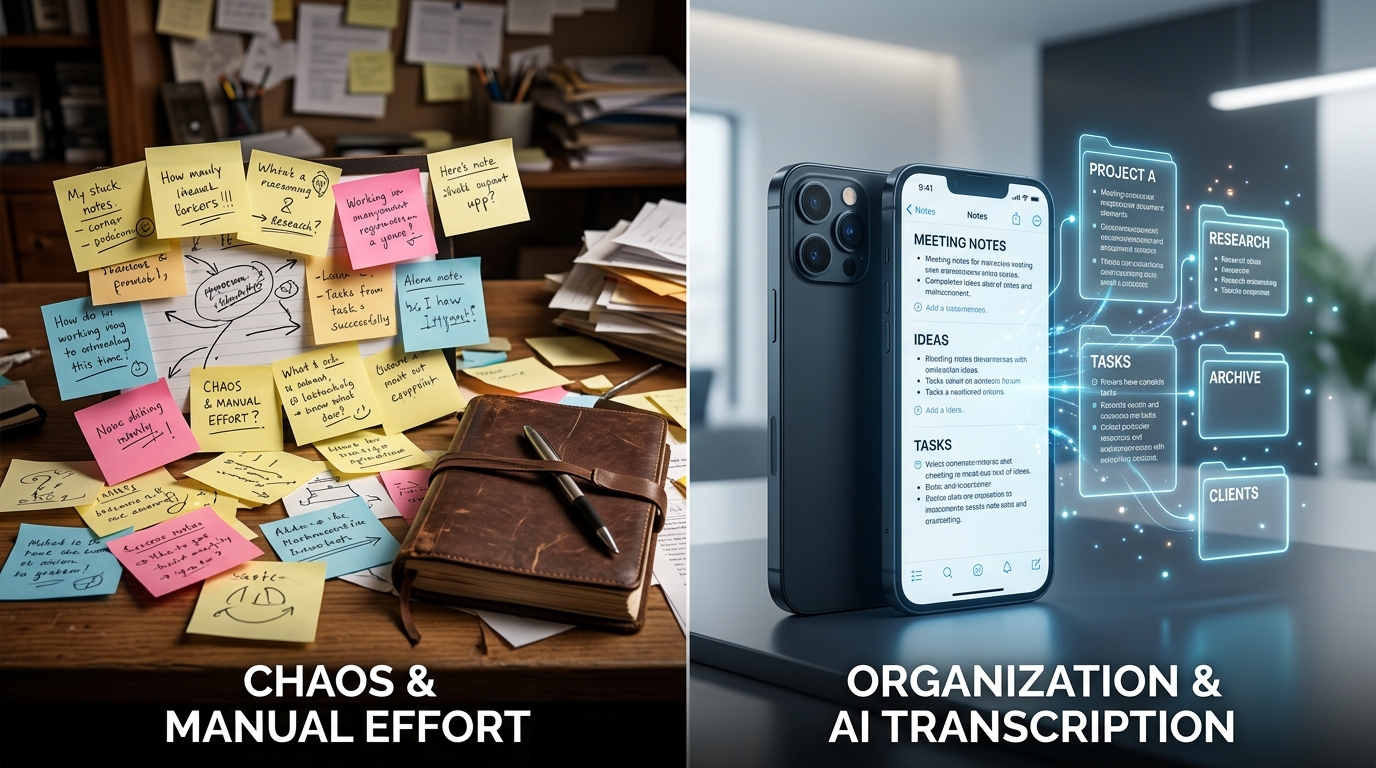
For years, professionals relied on a patchwork of text-based applications to manage their daily communications. You might use a physical journal for morning thoughts, a default text notepad for quick ideas, and cloud-based notebooks for client details. But manual entry has severe limitations.
Consider a practical scenario: you are trying to dispute a complex billing error and have to call a comcast customer service number. Attempting to manually type reference codes and agent promises into Google Keep or Microsoft OneNote while holding your phone is frustrating and error-prone. Even if you use a secondary text tool like One Note or the generic keep app on your device, human typing speed simply cannot match the pace of a live conversation.
In contrast, automated voice systems run quietly in the background. Instead of scrambling to find a blank notebook page, the audio is captured entirely. The true value of an advanced voice tool is not the audio file itself, but the immediate generation of an accurate, searchable transcript the second you hang up the phone.
Evaluate Enterprise Meeting Assistants vs. Mobile Native Recorders
When selecting a transcription platform, it is crucial to match the tool to your actual environment. Many users default to well-known corporate brands without realizing those tools are optimized for entirely different use cases.
Enterprise agents like Otter (frequently searched as otter ai or otterai) are incredibly powerful for scheduled corporate video conferences. If you need a bot to enter a zoom meeting via a zoom join meeting link, enterprise web assistants are the standard. However, as Burak Aydın explained in a recent post regarding Otter's shift toward enterprise knowledge bases, these desktop-first solutions often fall short for spontaneous mobile usage.
Mobile Native Recorders: Tools built specifically for iOS and Android excel at unpredictable, on-the-go capture. If a client calls you while you are walking to your car, you cannot wait for an enterprise bot to join the line. Native apps capture the direct cellular audio instantly.
Who is this for? Freelancers, mobile journalists, field researchers, and small business owners who conduct business directly through their phone's native dialer.
Who is this NOT for? Corporate IT departments looking to mass-deploy video conferencing bots across thousands of enterprise desktop machines.

Solve the "How to Record a Phone Call on Android" Dilemma
One of the most persistent technical challenges in mobile productivity is understanding how to record a phone call on Android. Due to varying regional privacy laws and operating system restrictions, native dialers frequently disable internal audio routing.
Users often attempt complicated workarounds. Some try to route calls through a secondary answering service, while others experiment with third-party VOIP platforms like the textnow app or attempt to retrieve raw audio from a carrier voicemail. These fragmented methods usually result in poor audio quality, dropped connections, and zero text transcription.
The correct approach is utilizing a dedicated application with accessibility permissions designed specifically for active call capture. Whether you use standard carrier lines or route calls through Google Voice, a specialized recording engine bypasses the native limitations by capturing the acoustic output directly, ensuring both sides of the conversation are saved clearly.
Choose the Right AI Engine for Your Privacy and Processing
Once the audio is captured, the processing engine dictates the quality of your final notes. Not all artificial intelligence models treat your data with the same level of security or accuracy.
Many lightweight apps rely on basic speech-to-text APIs that struggle with accents and background noise. Today, advanced processing requires highly trained models. For instance, testing transcripts generated via Claude by Anthropic reveals a deep understanding of contextual nuance—differentiating between casual banter and actionable tasks. Other specialized engines like Turbo AI, Manus, or the emerging Pingo AI offer various balances of processing speed versus deep contextual comprehension.
From a privacy perspective, you must verify where the processing occurs. Does the app process locally, or does it send unencrypted audio to a generic cloud server? Secure applications utilize encrypted data transfers and automatically delete the raw audio once the text transcript is verified, significantly reducing your data footprint.
Analyze Global Search Intent for Voice Applications
As I review international app market data and broader behavioral trends, it becomes clear that user frustration is a universal metric. The 2026 UXMode UI/UX analysis points out that users now demand minimalist, high-speed interfaces. This expectation crosses all language barriers.
For example, when tracking international app store optimization patterns, the structural demands are identical across regions. In emerging tech hubs, the search volume for a reliable application meant for phone call recording has grown substantially. Users specifically query for a modern recorder functioning accurately—often searching for tools that work effectively as a background service.
Whether a user searches for an English call voice tracker or an international multi-functional utility, the underlying need remains fixed: they want a secure system that eliminates manual data entry. To explore broader tracking and digital security solutions designed for modern families and professionals, you can view the complete app portfolio at Frontguard.
Establish Your Decision Criteria for Mobile Capture
Transitioning from scattered manual notes to an automated voice capture workflow requires choosing a tool that aligns with your daily habits. As you evaluate your options, apply this simple decision framework:
- Speed to Capture: Does the app require multiple taps to initiate, or can it automatically detect an active line?
- Post-Call Automation: Does it merely generate an MP3 file, or does it instantly provide a formatted text summary?
- Platform Intent: Is it an enterprise bot meant for desktop video calls, or a native mobile utility built for active cellular use?
By moving away from fragmented physical notebooks and complex enterprise bots, you can build a highly secure, privacy-first mobile workflow that actually protects the details of your daily communications.