
A Practical Workflow for Audio Capture, Transcription and Review


Prepare the capture
Decide what you need to retain and check the recording method supported on your device. Obtain any participant consent required by local rules and the situation. This guide describes workflow checks, not a measured user cohort or an internal retention study.
Try a short, non-sensitive recording before relying on the app for an important conversation. A cellular call, an internet call and an in-person voice recording can have different support requirements.
Organise the result
Use a clear file name and grouping so you can find the recording later. Check storage, export and sharing options in the current app. Keep a copy according to your needs and the applicable retention rules.
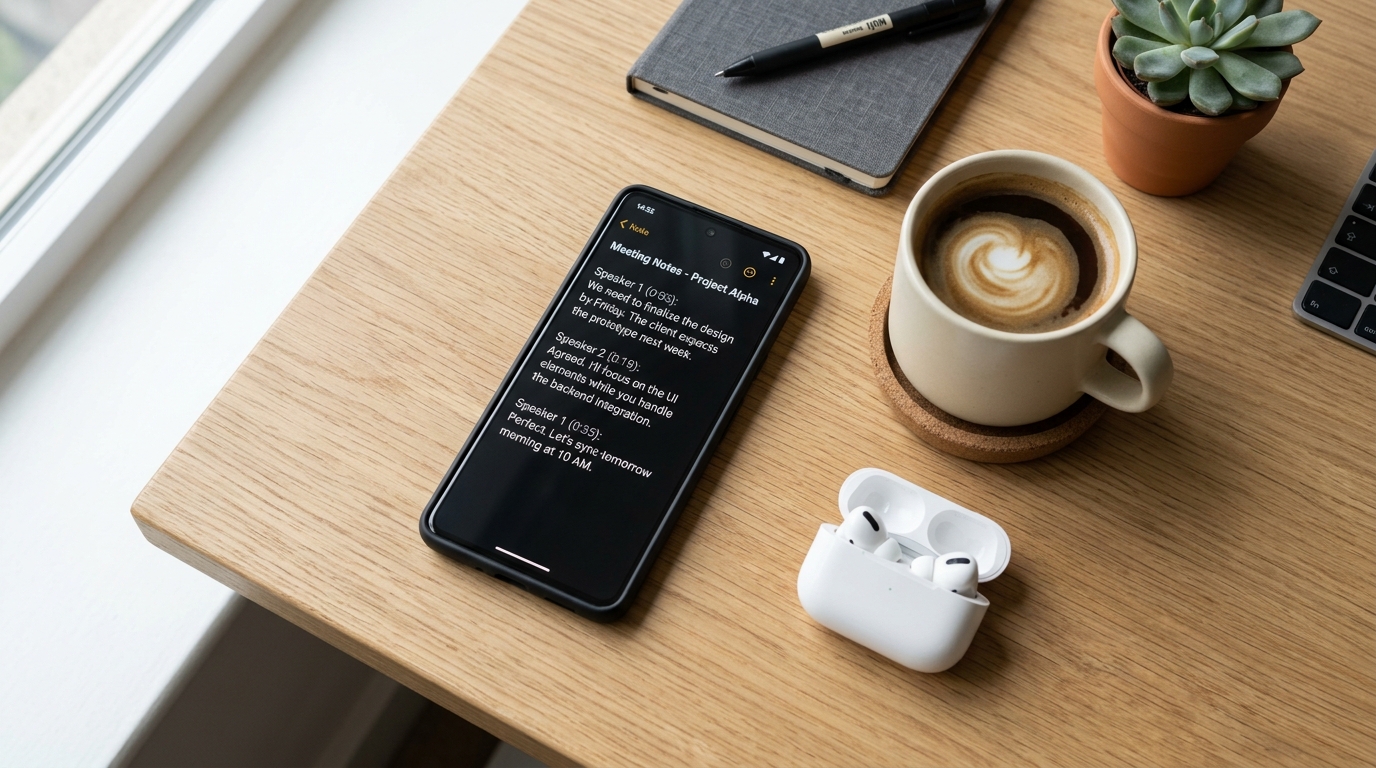
A transcript can make a conversation easier to review, but accuracy depends on the audio and processing. Names, numbers, specialist terms and overlapping speech may need correction.
Review transcripts and summaries
Compare important details with the saved audio before using a transcript or summary for a decision. A summary can omit context and should not be treated as a complete record.
If you send a transcript to another assistant or share it with a colleague, check permission and the receiving service's data policy. Remove information that is unnecessary for the task.
Confirm the product limits
Call Recorder - AI Note Taker brings recording and transcript-related features into a mobile workflow. Check current platform support, plan limits and processing availability in the app. A feature label does not guarantee zero-delay processing, perfect transcription or entirely local storage.
Choose the workflow that gives you a readable, reviewable result with appropriate consent and data controls. Manual notes can still be useful alongside recorded audio.