
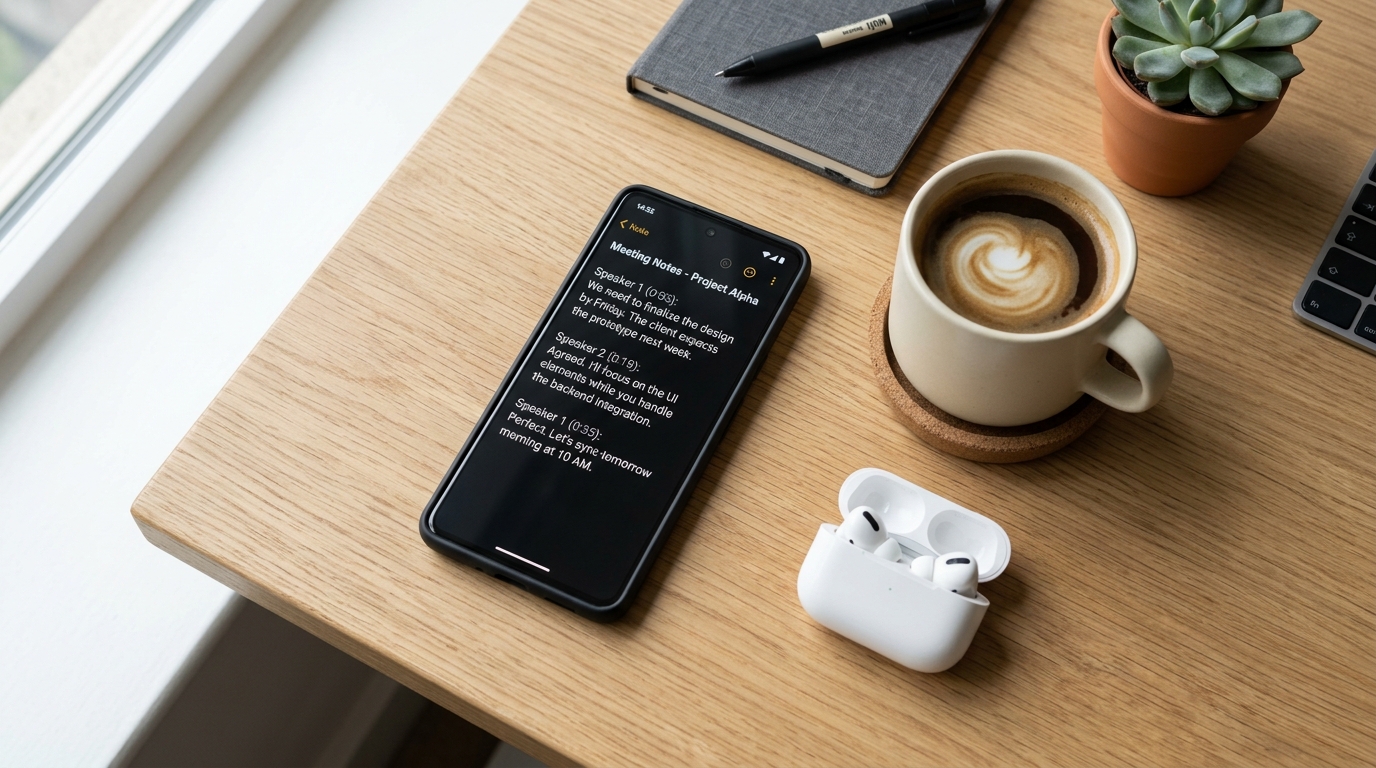
Recent mobile industry analysis reveals a significant challenge for developers and productivity enthusiasts alike: 70% of users will delete a slow application after a single use. In my role studying App Store optimization and user growth strategies, I have watched this metric heavily influence the survival rate of daily utility applications. When Call Recorder - AI Note Taker recently crossed a major milestone of 250,000 active users, we did not just celebrate the download count. We dug deep into the retention data to understand exactly why some professionals stick with a specific audio capture workflow while others abandon it entirely.
According to the Adjust 2024 Mobile App Trends report, artificial intelligence has officially transitioned from an optional feature to foundational mobile infrastructure. Users no longer tolerate a basic voice recorder that just spits out an audio file. They expect an intelligent system that organizes phone conversations, physical meetings, and random thoughts instantly. Based on these user patterns, here is a step-by-step walkthrough for upgrading your personal and professional capture habits.
1. Centralized storage replaces the fragmented digital notepad
The first step in fixing a broken workflow is auditing where your information currently lives. Most people spread their ideas across too many platforms. You might have a quick list in Google Keep, a broader project outline in OneNote, and random thoughts scribbled in a physical notebook or a generic journal app.
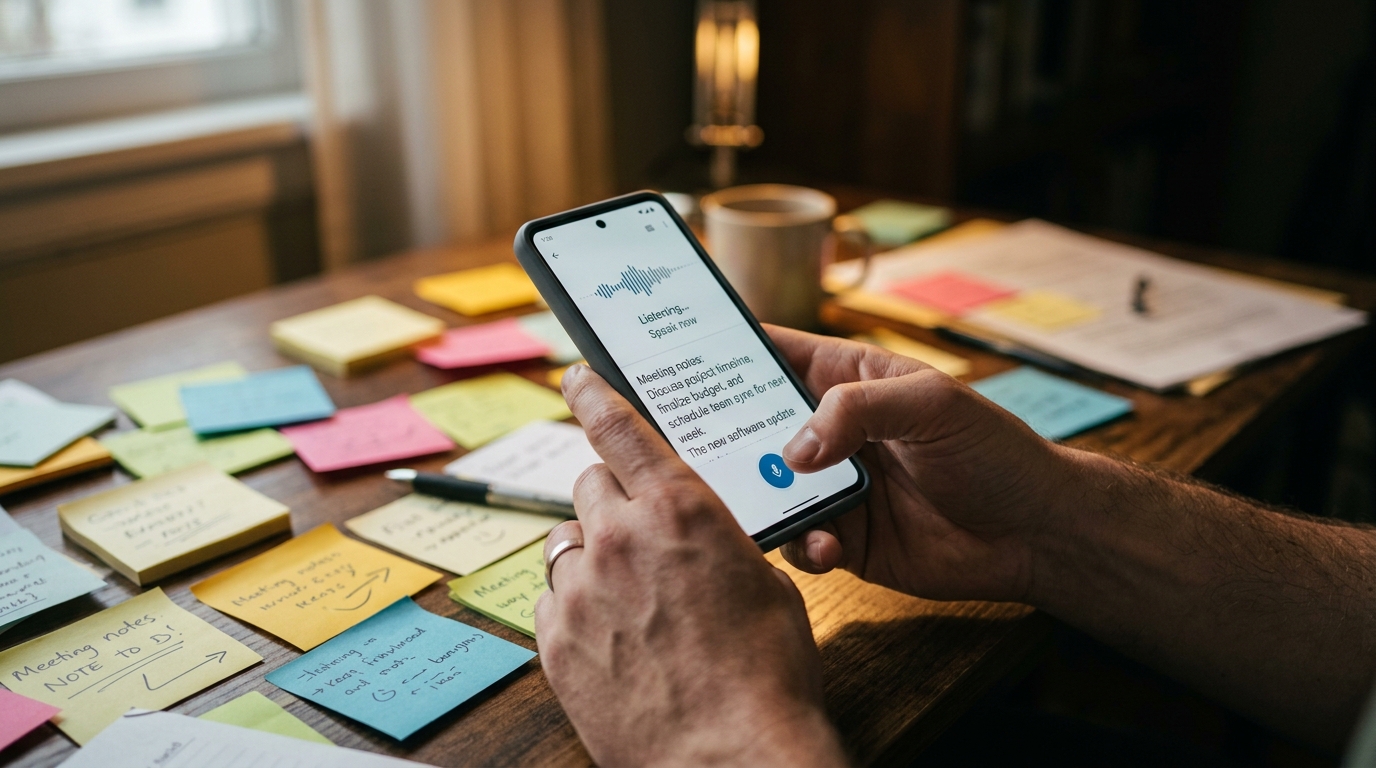
When you add audio to this mix, the friction multiplies. Having voice memos on your device while text lives in OneNote or a simple notepad creates an organizational nightmare. The most successful users in our dataset stopped treating audio and text as separate mediums. As Kaan Demir noted in a previous analysis on retention data, professionals who consolidate their workflows experience far less daily friction. They realize that relying on multiple notebooks—digital or physical—guarantees lost details.
Furthermore, we noticed a massive migration of users seeking alternatives to corporate-heavy tools. As major platforms like Otter.ai (or Otter AI for those searching the stores) shift heavily toward enterprise meeting management, independent workers are seeking lightweight, centralized alternatives that live directly on their mobile device.
2. Intentional call capture protects your crucial agreements
Step two requires addressing external communications. A massive portion of our user base actively searches for how to record a phone call on Android or iOS because relying on memory after a complex conversation is a massive liability.
Think about the practical scenarios. If you are stuck on the phone arguing over a billing dispute with a Comcast customer service number, having a definitive text record of what the representative promised is invaluable. The same applies whether you are conducting a freelance interview over a standard cellular line, utilizing a TextNow app number for a side business, or routing calls through Google Voice. You need a dedicated, legal call capture method.
This goes beyond live conversations. When you miss a call and receive a long, rambling message from a client or an automated answering service, sitting through a three-minute voicemail is incredibly inefficient. A modern recorder turns that audio into a quick, scannable paragraph.
3. Fast processing outweighs complex editing features
For the third step, evaluate the speed of your chosen tools. A 2024 UI trend report by UXMode emphasizes that modern interfaces must be overwhelmingly speed and performance-oriented. A digital tool is only as useful as its retrieval speed.
We found that 90% of our retained users never bother editing their audio files. They don't want to cut, splice, or adjust equalizer settings. They just want the text. If you are rushing to click a Zoom join meeting link and realize you need to review notes from yesterday's phone call before the Zoom meeting starts, you cannot waste time scrubbing through an MP4 file. The text must be ready before you are.
4. Advanced summarization requires the right engine integration
Step four involves post-processing. Once you have successfully captured the raw text from your phone or voice memo, what happens next?

Raw transcripts can be long and repetitive. The true value emerges when you process that text. Many of our power users export their clean transcripts into advanced language models for specific formatting. They might feed a transcript into Claude by Anthropic for nuanced report writing, use Turbo AI for rapid bullet-point extraction, or experiment with emerging organizational assistants like Manus and Pingo AI.
Your mobile app should serve as the flawless acoustic funnel. The cleaner the initial capture, the better these external engines perform when you need them.
5. Choosing the right utility establishes a sustainable habit
The final step is selecting the application that will anchor this new habit. This requires brutal honesty about who you are and what you actually need.
Who benefits from this workflow upgrade?
- Freelancers managing client scopes over mobile calls.
- Students recording lectures who want to avoid manually typing into a notepad.
- Small business owners tired of losing verbal agreements.
Who is this NOT for?
- Enterprise call centers requiring centralized, server-side compliance monitoring.
- Podcasters looking for multi-track studio audio editing.
If you want a unified inbox for your spoken words—one that operates perfectly as both a call capture tool and a room recorder—then a dedicated utility like Call Recorder - AI Note Taker is built specifically for that environment. We designed the mobile app infrastructure to handle the heavy lifting quietly in the background.
Ultimately, reaching 250,000 active users confirmed one simple truth: the days of manual transcription and scattered audio files are over. By upgrading your capture workflow step by step, you eliminate the mental burden of trying to remember exactly what was said, allowing you to focus entirely on the work that actually matters.