
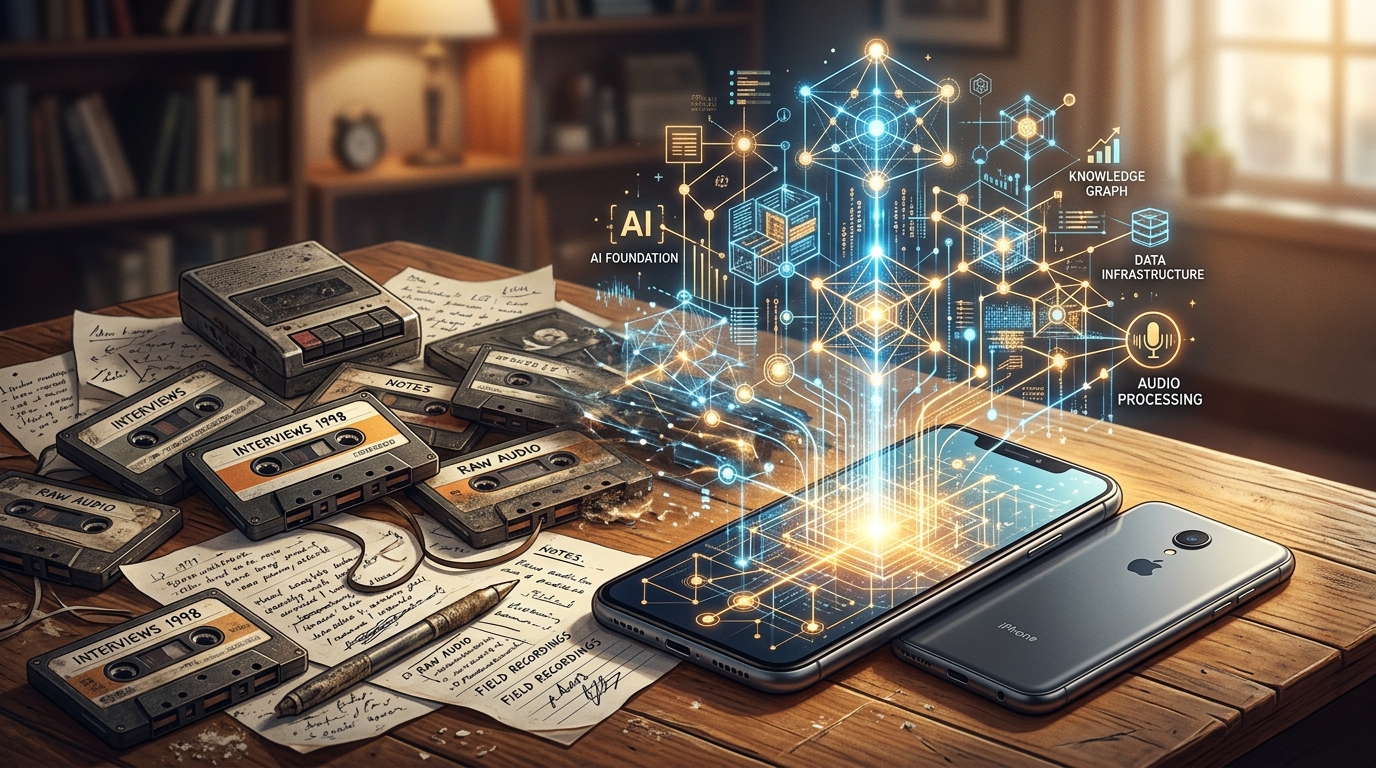
We have been completely misled about what "AI transcription" actually means on mobile devices. For the last few years, the tech industry treated artificial intelligence like a flashy add-on—a magic button you press after a long phone call to get a block of text. The biggest shift in voice capture isn't a new button; it is the transition of AI from an optional summary tool into foundational infrastructure. Modern applications now instantly convert scattered phone conversations into structured data, rendering traditional audio-only methods obsolete.
In our work researching data analytics and user behavior—particularly regarding how families navigate technology and parental control solutions—I constantly monitor how people manage their digital footprints. Recently, I reviewed the latest Adjust Mobile App Trends report, and the data validates a massive architectural update we just rolled out. The report notes that global application sessions rose by 7% last year, and consumer spend reached an impressive $167 billion. But the most critical finding? AI has officially shifted from being a strategic novelty to core, foundational infrastructure.
This data directly informed the latest overhaul in Call Recorder - AI Note Taker. Instead of just bolting an AI summary feature onto an old voice recorder, we rebuilt the processing engine so that intelligence handles the data the millisecond you stop speaking. To understand why this matters for your daily routine, we need to bust a few stubborn myths about mobile audio.
Myth 1: You Just Need the MP3 File
There is a lingering belief that the ultimate goal of hitting record is to secure a raw audio file. People still search for how to record a phone call on Android thinking that having an MP3 on their hard drive solves their problem. It doesn't. Raw audio is essentially dead weight; it is unsearchable, hard to skim, and trapped in an archaic format.
Whether you are documenting a complex dispute with a Comcast customer service number or saving a briefing from an answering service, the file itself is useless if you have to spend twenty minutes scrubbing through a timeline to find one specific detail. Our new foundational AI engine operates on the premise that you want the answers, not the audio. It automatically pulls out the key metrics, dates, and commitments, bypassing the need to manually transcribe everything into a separate journal or notepad.
Are General Note-Taking Apps Enough?
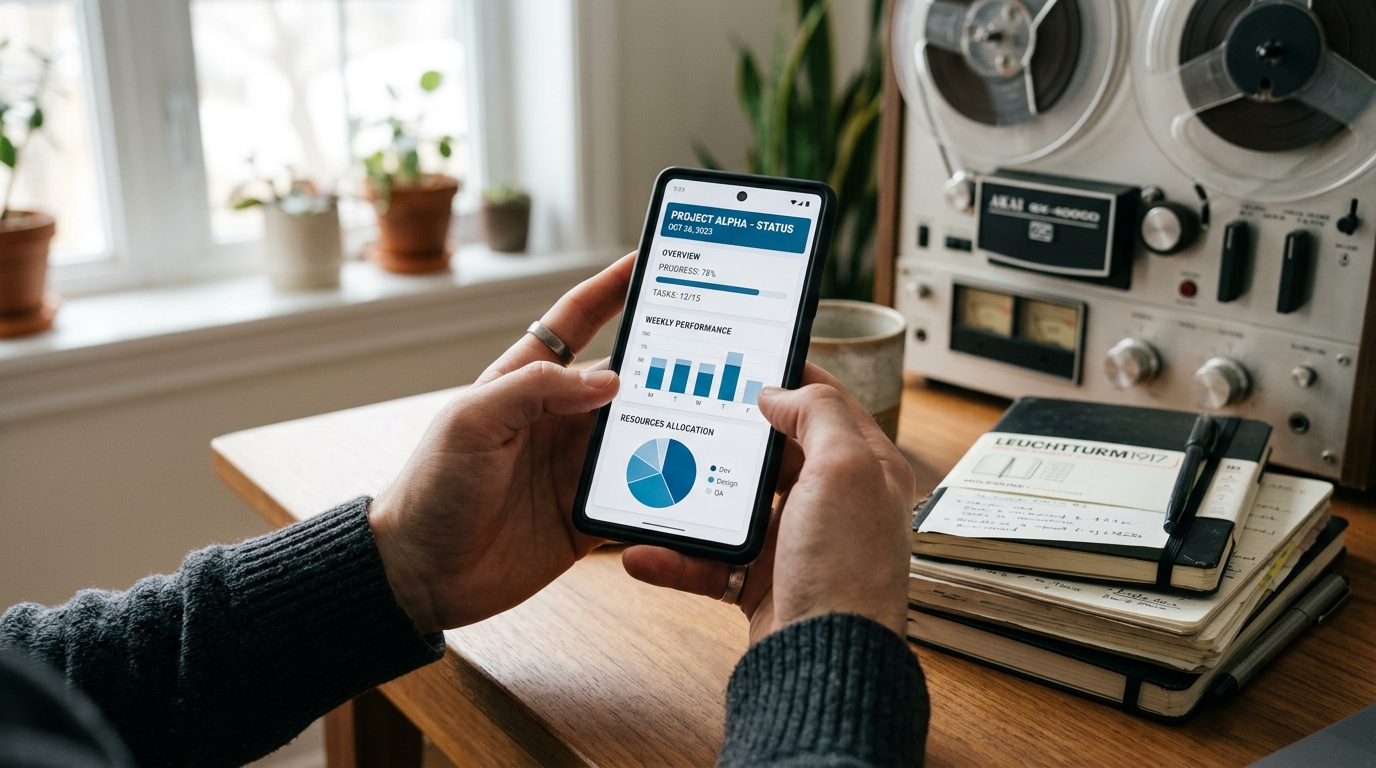
This is Myth 2. Many users assume that because they have a generic workspace tool, they are covered. I frequently see people trying to force voice workflows into static environments like Google Keep, OneNote, or a basic notebook. In my research into family technology, I see parents struggle with this when trying to coordinate schedules—typing notes manually from a call into a shared app is a point of friction.
While tools like OneNote or Keep are fantastic for typing out a grocery list, they are incredibly poor at handling dynamic, multi-speaker conversational data. They simply aren't built for the acoustic realities of mobile capture. If you are comparing heavy-duty models like Claude by Anthropic with older systems, you realize that specialized capture requires specialized tools. Generic notebooks fail when you have background noise, interrupted speech, or cross-talk.
My colleague Burak Aydın covered this exact behavior shift recently, explaining how habits around OneNote, Pingo AI, and general AI tools are changing. Users are getting tired of copy-pasting text between five different apps.
Myth 3: Users Care More About App Isolation Than Utility
A persistent industry myth claims that users want all their apps completely siloed. The reality of user behavior is much more nuanced. According to recent Adjust data, App Tracking Transparency (ATT) opt-in rates for iOS users actually increased, reaching 38% in the first quarter of the year.
Why are opt-ins rising? Because when measurement architecture and integrated systems provide tangible, time-saving value, users are willing to connect their workflows. They want their voicemail summaries to link logically to their follow-ups. They want data from a TextNow app call to be just as accessible as a standard carrier conversation. As Zeynep Aksoy pointed out in her research on transcribing from mobile calls to secure your data, relying on disconnected, raw audio across different apps is a failing strategy.
Myth 4: Enterprise Tools Are Fine for Mobile Users
We often assume that massive corporate platforms are the best solution for personal or small-team capture. You might look at Otter.ai or similar heavy enterprise solutions and think they are the default choice. But there is a massive difference between setting up a designated corporate transcription agent and needing immediate capture on your personal phone.
Consider the fragmented nature of modern communication. You might start your morning on a standard cellular call, move to a Zoom meeting, jump into a Zoom join meeting link on your tablet, and finish with a quick voice memo. Corporate tools like Otter.ai and Manus are generally built to sit inside calendar invites. They aren't always agile enough for spontaneous mobile life.
This is where specialized mobile architecture proves its worth. If you want immediate, structured extraction from unpredictable mobile conversations without setting up a calendar bot, Call Recorder - AI Note Taker's foundational extraction is designed for that specific environment.
Practical Q&A: What This Means for Your Workflow
To ground these architectural updates in reality, here are a few practical questions I hear frequently from users testing our new infrastructure:
Q: I use Google Voice for my freelance business. Does this new foundational AI apply there?
Yes. The engine treats the acoustic input uniformly. Whether the audio originates from a standard carrier or Google Voice routing, the AI processes the context identically, giving you the same high-quality extraction.
Q: Will this replace my current system entirely?
It depends on your habits. If your current habit involves recording a call, listening back to it later, and typing notes into a physical notebook or a basic app, then yes, this replaces that entire middle step. The structured text is generated instantly.
Q: How does this compare to just using a newer model like ChatGPT or a standalone voice recorder?
Standalone recorders just give you a file. Slapping a generic AI model on top requires you to manually prompt the system every time. Our update bakes the intelligence directly into the capture process. The moment the call or memo ends, the categorization and summarization happen automatically based on our customized measurement architecture.
We are finally moving past the era of the digital dictaphone. The transition of AI from a "cool feature" to the very foundation of mobile application infrastructure means your phone can finally do the heavy lifting. By discarding these outdated myths, you can stop managing audio files and start actually using your conversational data.