
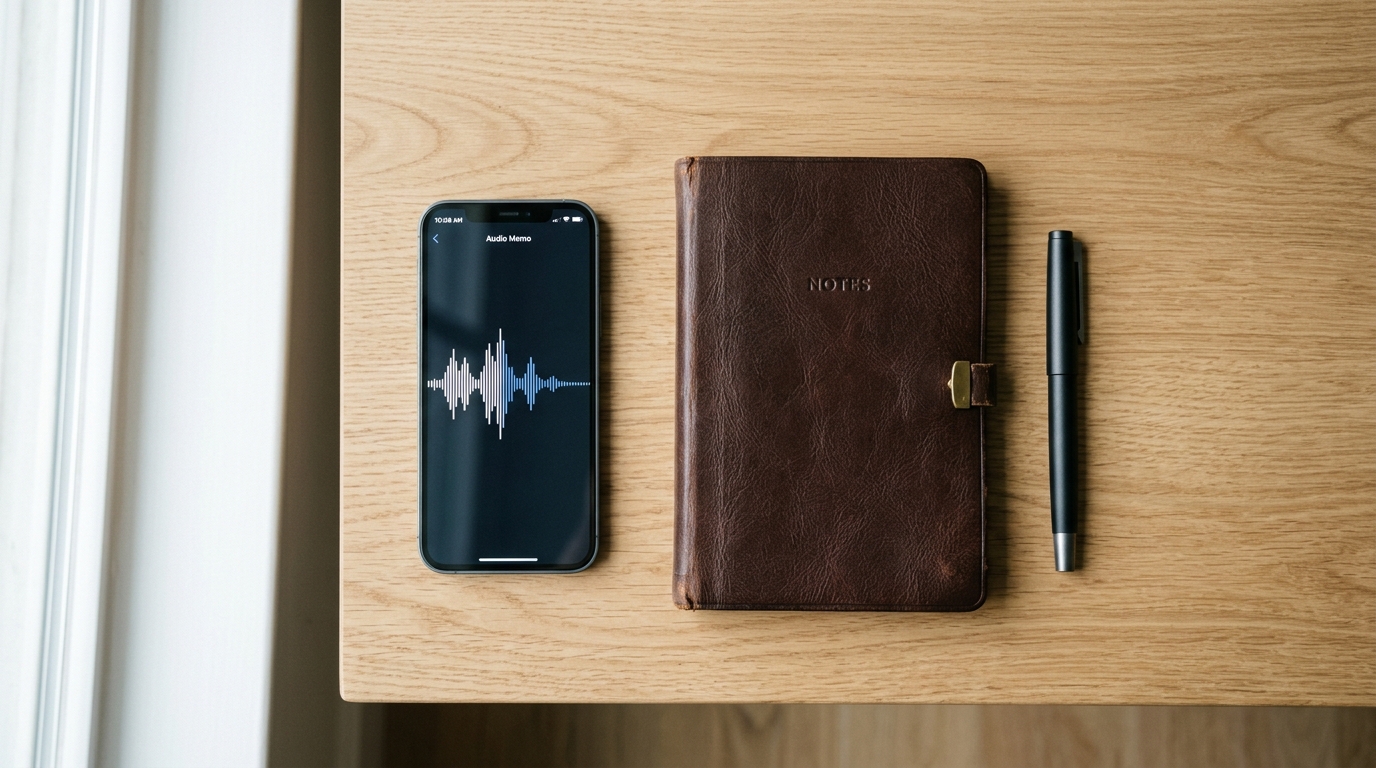
Imagine the frustration: You are on the line with a difficult utility company—perhaps dialing a customer service number—trying to resolve a persistent billing dispute. The representative talks quickly, rattling off a confirmation code, three separate dates, and a highly specific policy adjustment. You scramble for a pen and a physical notebook, or you awkwardly try to open a notepad app on the same device you are holding to your ear. By the time you navigate to the right screen, the details are gone. You are forced to ask them to repeat everything, hoping you do not miss it a second time.
An integrated voice capture system is a digital tool that automatically records, transcribes, and summarizes spoken conversations—whether from a standard phone line, a voicemail, or an active meeting—into organized text without requiring manual input. Relying on fragmented memory or scribbled notes is becoming an obsolete strategy for the modern professional, and market data supports this shift.
The Real Data Behind Our Changing Habits
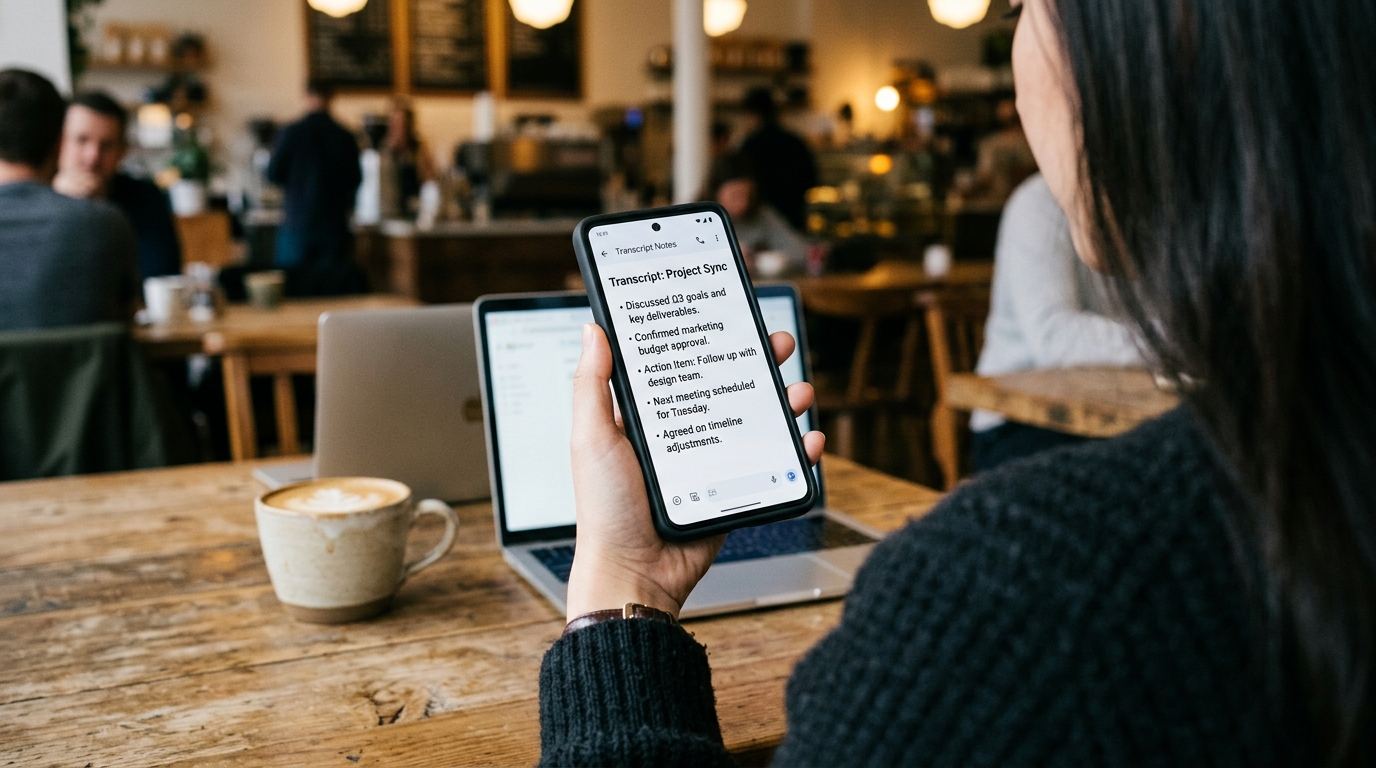
In our work researching user behavior and data analytics, I closely monitor how individuals interact with their mobile interfaces. The move away from manual input is not just an anecdote; it is heavily supported by current industry insights. According to the recent Adjust Mobile App Trends report, artificial intelligence is transitioning from being a strategic add-on to serving as a foundational element of mobile applications. The report highlights that user behavior is increasingly skewing toward "data-light" mentalities: people expect their applications to handle heavy processing in the background, delivering only the refined, actionable output.
Interestingly, while gaming and e-commerce sessions have seen modest fluctuations, productivity expectations have dramatically intensified. Users no longer have the patience to juggle multiple tools just to remember what was said during a brief consultation. They want the final outcome—instantly searchable and securely stored.
Why Traditional Notepads Are Failing Us
For years, the standard advice for staying organized was to carry a journal or rely on default digital tools. You might jot down a quick thought in Google Keep or draft a meeting agenda in OneNote. While a manual note might suffice for a grocery list, this method entirely breaks down during active, dynamic conversations.
When you sit at your desktop for a scheduled video call, the workflow is often established. You click a join meeting link, and perhaps an enterprise bot joins to take notes. But mobile communication is spontaneous. A client calls your Google Voice number while you are waiting in line at the bank. A contractor leaves a dense voicemail explaining a supply delay. In these moments, you cannot rely on desktop enterprise tools.
This fragmentation explains why queries like "how to record a phone call on Android" remain incredibly common. Operating systems have historically made native recording difficult due to varying regulations, leaving users frustrated with half-measures. As my colleague Emre Yıldırım covered in his recent post on unified voice inboxes, relying on scattered audio applications is failing mobile users because it creates organizational chaos.
Evaluating the Current Transcription Options
If manual tools like Keep are insufficient, the next logical step is automated transcription. However, not all tools fit the daily mobile user.
Platforms like Otter are exceptionally powerful, but they have largely pivoted toward enterprise knowledge bases and extensive corporate environments. If you are a freelancer conducting a brief interview or a parent managing medical calls, an enterprise-grade agent might be overly complex. Conversely, some users attempt a DIY approach: they record raw audio, then manually upload the file to large language models like ChatGPT or Claude to generate a summary. This is a tedious, multi-step chore that defeats the purpose of saving time.

When evaluating your options, consider this decision framework: First, identify your environment. Are you mostly at a desktop or entirely mobile? Mobile users need native application support. Second, evaluate the friction. Does the tool require you to manually move files, or does it transcribe within the same interface? Finally, look at the output. Do you get a block of raw text, or does it isolate the actual action items?
Defining the Target User for Automated Capture
AI Note Taker - Call Recorder is an application that functions as both a phone call recorder and a voice recorder, offering AI-backed transcription and summarization directly on your device.
This tool is built for independent professionals, journalists, and busy families who need an immediate, searchable record of their audio without a manual copy-paste routine. If you want to automatically turn a 15-minute consultation into a concise list of deliverables, the transcription feature is designed for that specific outcome.
However, it is equally important to state who this is not for. If you are an IT director at a Fortune 500 company looking for a compliance-heavy answering service to route thousands of inbound support tickets through internal servers, a personal mobile application is not the correct category for your needs.
Looking at the Broader Ecosystem
The desire for simplified digital tracking extends beyond capturing voice. We see this pattern across various utilities. For example, looking at the family safety and tracking solutions developed by Frontguard, the core user demand is identical: people want complex data (like location history) distilled into clear insights. They do not want to parse raw data logs any more than they want to listen to a 40-minute raw audio file to find one single address.
The transition from notebooks to intelligent capture represents a permanent change in how we manage information. By replacing fragmented workflows with unified capture tools, you protect your attention and ensure you never have to ask someone to repeat themselves again.