
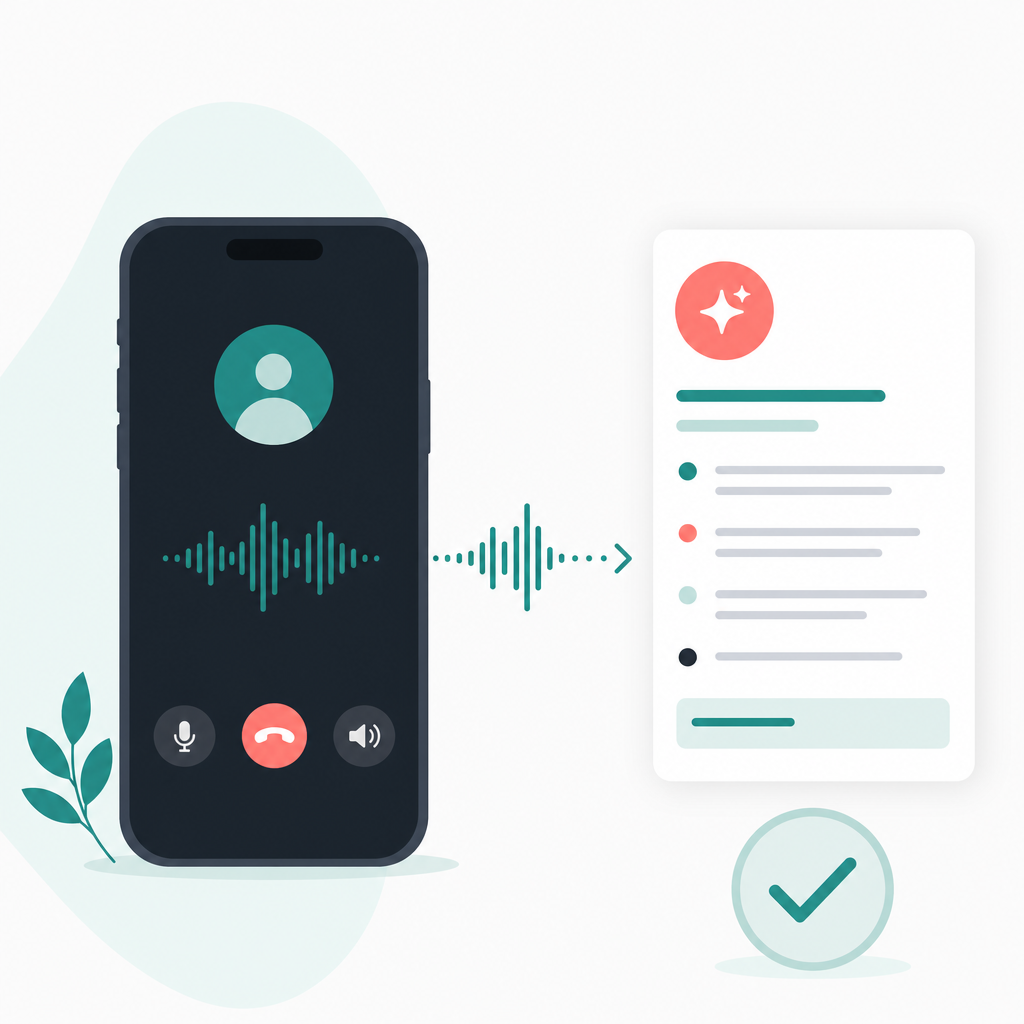
Short answer: To record a phone call on iPhone, first check whether the Phone app shows Apple's built-in recording control during a live call. Availability can vary by iOS version, region, language, and device setup. When the control is available, Apple's current flow is designed to notify participants and save the recording in Notes; transcript support can still depend on language, settings, and audio quality. If the control is not available, a call recorder app usually works through a supported call-routing or conference setup. Apple call-recording safety guidance.
The question usually comes up before a call where the details matter: a customer interview, a hiring screen, a vendor approval, an insurance conversation, or a family call about instructions you do not want to misremember. The right setup has to capture clear audio, respect consent rules, and leave you with notes you can use later.
How we checked: For this edit, we checked each platform and legal statement for whether it would still be true without relying on one undocumented device, country, carrier, app setup, or local rule. Details controlled by iOS version, region, language, app permissions, or law are treated as limits rather than promises.
What is phone call recording?
Phone call recording means saving the audio from a live phone conversation so it can be replayed, transcribed, summarized, or filed. AI call notes are the next layer: software turns speech into text, then extracts decisions, follow-ups, names, dates, objections, and other useful details.
A recording is not the same as a private memory aid. It creates a durable record of another person's words, so consent and storage matter. The safest everyday habit is to say that you want to record before the substance of the call starts, then wait for a clear yes.
How to record a phone call on iPhone, step by step
On iPhone setups where Apple's native recording is supported, start or answer the call in the Phone app, open the in-call controls, and tap the recording option if it appears. The current flow is meant to notify people on the call and place the recording in Notes, while transcript availability can vary. Check your own iPhone settings and feature availability before depending on it for a serious conversation.
- Check availability. If the button is missing, your iOS version, region, language, carrier, or device setup may not support native recording.
- Start the call normally. Native recording is controlled during the live call, not from a setup screen before it.
- Ask for consent. Use plain language: I would like to record this so I can review the details later. Is that okay?
- Start recording. Let any notice or consent prompt finish, and do not talk over it.
- Stop when needed. If the call moves into a sensitive side topic, stop recording and say so.
- Review the transcript. Check names, numbers, prices, medical terms, and legal wording before relying on the notes.
If Apple's button does not appear, you are not missing a secret permission. Third-party iPhone apps generally cannot silently tap into the Phone app's audio stream. Many use a recording service, a conference-style merge, or an app-controlled calling flow.
When does a call recorder app make sense?
A call recorder app makes sense when recording is part of a repeatable workflow, not a one-off safety net. It is most useful when you need to record incoming and outgoing calls, keep them organized, transcribe them, and turn long conversations into short notes.
Picture a product manager calling five customers after a confusing onboarding release. A raw 40-minute audio file is better than nothing, but it still leaves someone hunting for the useful moments. AI call notes can surface missed billing emails, form confusion, security questions, and follow-ups without forcing the team to replay the whole call.
The trade-off is friction. On iPhone, a dedicated app may require call routing or merging before the recording starts. If the other person will not consent, if the carrier blocks the flow, or if the call involves an emergency service or unusually sensitive provider, do not force the tool into the situation.
AI Note Taker - Call Recorder is built for calls you are allowed to record, then uses AI to transcribe and summarize them into notes. The app is connected with Frontguard's app portfolio, and its best fit is the ordinary high-stakes call where forgetting one detail can cause real work later.
Claim: For iPhone users, the best recording method depends on availability, consent, and what you need after the call. Why this matters: Native recording, app routing, and consent are separate decisions; passing one check does not solve the others. Limit: This does not decide legality for every state, country, workplace, or call type. Action: Test the exact workflow before an important call, and get clear consent on the call.
Is it legal to record a phone call?
The short answer: it depends on where the people on the call are and what kind of call it is. In the United States, recording rules are often discussed in terms of one-party consent and all-party consent, but that shorthand is not a complete legal summary. State law, participant locations, workplace policy, regulated industries, and the purpose of the call can all change what you should do.
One-party consent usually means at least one participant agrees to the recording. All-party consent, often called two-party consent in casual speech, usually means everyone on the call must agree before recording. When you do not know which rule applies, disclose the recording and ask every participant before continuing. For cross-border calls, treat the stricter rule as the safer working assumption until you get proper advice.
- Say the purpose: I am recording so I can create accurate notes and follow-ups.
- Ask before continuing: Is that okay with you?
- Capture the consent: Do it at the start, not after the sensitive part of the call.
- Respect refusal: If someone says no, take written notes instead.
- Store carefully: Recordings can contain addresses, account numbers, health details, financial information, or trade secrets.
This is not legal advice. Business, legal, medical, financial, and cross-border calls deserve a written policy and, when needed, counsel from someone who knows the relevant jurisdiction.
How do AI call notes work after the recording?
AI call notes take the recorded audio, create a transcript, and summarize the conversation into a shorter note. A good note should separate facts from guesses: who said what, what was decided, which tasks remain open, and where the transcript may be uncertain.
For a hiring call, the notes might pull out availability, salary expectations, tools mentioned, and follow-up questions. For a client call, they might surface the requested launch date, a billing concern, and the owner of the next task. Bad cellular audio, accents, cross-talk, hold music, and industry terms can still produce mistakes.
Privacy boundaries matter here. A responsible call recording app records calls through supported phone, routing, or conference workflows. It cannot read encrypted message content, break into someone else's account, secretly monitor calls you are not part of, or bypass Apple, Android, WhatsApp, Signal, or carrier security.
How do iPhone and Android call recording compare?
iPhone recording is more controlled and availability-dependent, while Android recording varies by phone maker, country, carrier, and dialer app. If you need to record phone calls on Android, some devices may offer a built-in option, but third-party access can still be restricted.
| Recording path | Best fit | Main limit |
|---|---|---|
| iPhone native recording | Occasional calls where Apple's control appears | Not available in every region, language, or setup |
| iPhone call recorder app | Interviews, business calls, transcripts, and AI call notes | May require routing, merging, or an app-specific flow |
| Android built-in recording | Phones whose dialer exposes a record button | Behavior changes by manufacturer, market, and carrier |
| Android recording app | Searchable history and summaries | May not capture both sides clearly on every device |
Do not discover the limitation during the call that matters. Make a short test call, confirm the consent notice or consent script, listen to playback, and check the transcript before using the workflow for an interview, complaint, or client decision.
What should you do before recording an important call?
Use a small pre-call checklist. It catches the boring problems that ruin recordings: missing permissions, weak cellular audio, an unsupported region, no consent, or a transcript that mangles the exact term you needed.
- Decide the purpose. Record only when the audio serves a clear need: accuracy, training, compliance, or follow-up.
- Confirm consent rules. If participants are in different places, assume the stricter rule may matter and ask everyone.
- Run a 60-second test. Verify that both sides are audible and that the file lands where expected.
- Prepare your opening line. Do not improvise consent language under pressure.
- Review the AI notes promptly. Corrections are easier while the conversation is still fresh.
For a casual call, that may be more process than you need. For a customer interview, journalist call, hiring screen, insurance conversation, or vendor approval, it is the difference between a useful record and a file you can comfortably use.
What I would do first
If your iPhone already shows Apple's call recording button, use it for occasional calls after getting consent and checking where the file and transcript land. If you record calls every week and need summaries, organized history, or AI call notes, test a dedicated call recorder app with one low-stakes call before trusting it on a serious conversation.
Keep the ethics plain. Ask first. Record only calls you are part of and allowed to record. Review AI output before acting on it. A good recording workflow should make the conversation easier to remember, not make the other person wonder what happened to their words.
Frequently asked questions
Can I record a phone call on iPhone without an app?
Yes, if Apple's native call recording is available on your iPhone, in your region, and for your language. During a live call, use the Phone app's recording control if it appears. The current flow is designed to notify the other participant, and supported recordings may be saved to Notes.
Why do some iPhones not show a call recording button?
The feature is not universal. Availability can depend on iOS version, region, language, carrier, and Apple's supported feature list. If the button does not appear during a call, a call recorder app may still be an option, but it will usually use a separate supported recording workflow.
Is it legal to record a phone call if I am on the call?
Sometimes, but not always. Some places allow a participant to consent to recording, while other places require every participant to agree. For cross-state or international calls, ask everyone before recording and get legal advice for business, legal, medical, or regulated use.
Can I record phone calls on Android more easily than on iPhone?
Sometimes. Some Android phones and dialer apps expose a recording button, but availability varies by device, country, carrier, and policy. If you need to record phone calls on Android for work, test the exact phone and app before a real call and confirm both voices are captured clearly.
Are AI call notes accurate enough to rely on?
AI call notes are useful for finding themes, tasks, and follow-ups, but they can mishear names, numbers, product terms, and legal or medical wording. Treat them as a draft. Replay the relevant audio before sending the summary, making a decision, or quoting someone.
For the related workflow and its limits, read: How Do You Record a Phone Conversation on an iPhone? A Practical Introduction to AI Note Taker - Call Recorder.