
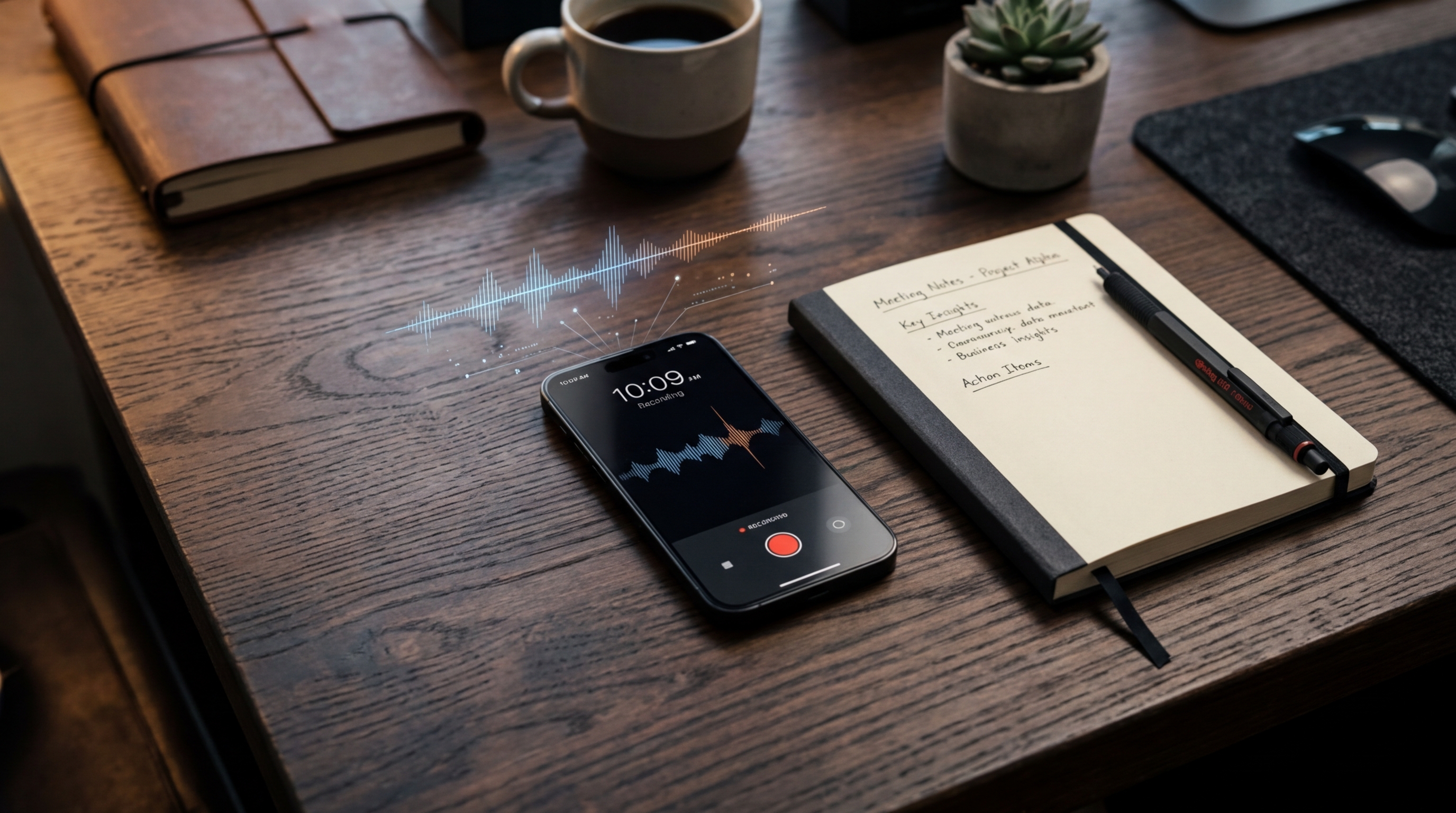
Eighty percent of all calls to smartphones go directly to voicemail. Think about that for a second. Globally, that translates to roughly 10.8 billion missed connections every single day. As a mobile growth strategist analyzing user habits, I find this statistic eye-opening. Yet, when professionals try to capture and organize the conversations that do happen—or the messages left behind—they often rely on outdated habits and flawed assumptions.
Recently, as our team reviewed aggregate retention data and user feedback for our audio capture tools, a distinct pattern emerged. People are mismanaging their spoken data. They assume any generic app can handle complex audio, they ignore incoming messages entirely, and they fragment their notes across a dozen different platforms. To set the record straight, I want to debunk four pervasive myths about voice capture that are likely costing you critical details, using recent behavioral and acoustic research to back it up.
Upgrade your default voice recorder toolkit
The Myth: Your phone’s built-in tools are perfectly adequate for professional records.
The Reality: Many users believe that firing up a basic samsung voice recorder or a free record it utility is enough to capture a client consultation or an impromptu interview. The evidence says otherwise. According to acoustic research published by the National Center for Biotechnology Information (NCBI), mobile phones induce significant acoustic changes during voice transmission. The hardware compresses the audio, filtering out frequencies to save bandwidth.
This means that when you use a generic voice recorder to log a call over speakerphone, you are capturing a heavily distorted version of reality. If you ever plan to transcribe that audio or pull specific minutes from it, this degraded acoustic quality causes manual transcription errors and AI hallucinations. Relying on default hardware apps for business-critical conversations is like trying to take professional real estate photos with a ten-year-old webcam. You need software specifically designed to handle the dynamic range and compression of telecommunication audio.
Stop ignoring the voicemail data treasure trove
The Myth: Nobody leaves voicemails anymore, making it a dead medium.
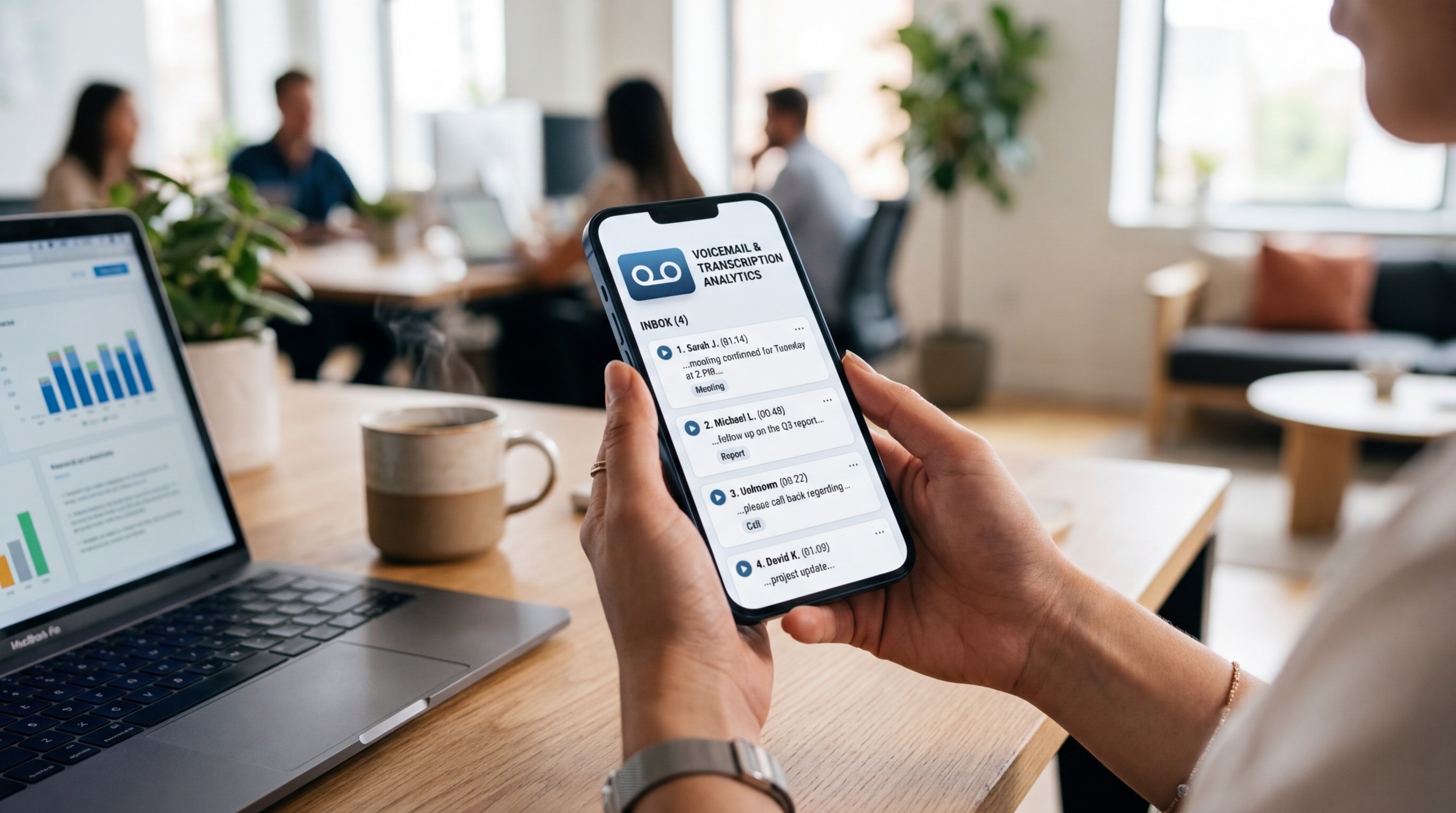
The Reality: Returning to that initial statistic: while 80% of calls go unanswered, about 20% of those callers actually stay on the line to leave a voicemail. That smaller segment represents highly motivated individuals—clients with urgent issues, warm leads, or critical project updates. Furthermore, a study conducted by NORC on cell-phone survey methodologies found that leaving a structured audio message actually increased cooperation among the contacted individuals.
Despite this, professionals often treat these audio files as disposable annoyances. Whether a client leaves a message on your personal device, calls your dedicated google voice number, or routes through an external answering service, that audio is packed with actionable information. Instead of treating these messages as a chore to delete, modern workflows treat them as incoming text data. Capturing and accurately summarizing these messages ensures you never miss a warm lead just because you were in another meeting.
Consolidate your fragmented recording habits
The Myth: You need a different tool for every single communication channel.
The Reality: The modern professional's day is completely scattered. You might start your morning on a phone call, switch to a desktop to join a Zoom meeting, answer a quick query via a TextNow app, and later spend time dialing customer service to dispute a charge. Because these platforms are separate, people try to patch their notes together by exporting random audio files into a Google Keep folder, pasting messy text into OneNote, or feeding raw recordings to third-party processors like Claude or Otter.
This fragmentation is exhausting. As I have observed in our research regarding mobile productivity, users are desperate to figure out how to record a phone call without juggling five different apps. Whether you are searching for how to record a telephone conversation on iPhone or Android, the underlying desire is the same: consolidation. You do not need a separate journal, a dedicated notepad, and an isolated transcription bot. You need one central hub where all verbal agreements live, regardless of how the conversation took place.
Capture the context, not just the transcript
The Myth: Generating a raw text transcript is the ultimate goal of call capture.
The Reality: A flat transcript strips away urgency, hesitation, and tone. Research surrounding the VOIS framework for recording verbal survey data highlights that the spoken word provides insights far beyond text-based responses, including tone and reasoning elaboration. When you treat audio merely as a dictation input for your notebook, you lose the human element of the interaction.
Tools like Pingo AI, Manus, or basic Keep notes are often used just to store text. But a transcript of a heated negotiation or a tentative client agreement is less effective if you cannot instantly recall the tone of the room. This is why having synchronized audio playback alongside an intelligent summary is vital.

Choose a unified approach to voice capture
Understanding these myths changes how you evaluate your mobile toolkit. AI Note Taker - Call Recorder is a dual-purpose application that functions as both a high-fidelity call recorder and an AI-powered voice summarizer for iOS and Android. It bypasses the acoustic limitations of default apps, consolidates your scattered notes, and provides contextual summaries rather than just a long block of text.
Who is this for? It is specifically designed for freelancers, researchers, small business owners, and remote teams who handle high-stakes verbal information daily. If you rely on your voice interactions to drive revenue or manage projects, treating your call data professionally is non-negotiable. If you only need to record yourself thinking out loud once a month, a default app might suffice, but for growth-minded professionals, the upgrade is essential.
As part of the broader mobile productivity ecosystem at Frontguard, I've observed that the most efficient professionals don't work harder to take notes; they simply stop relying on fragmented, outdated methods. Whether you are dialing into a complex meeting from your car or trying to extract action items from a lengthy client message, upgrading your capture method is the easiest way to ensure no detail slips through the cracks.