
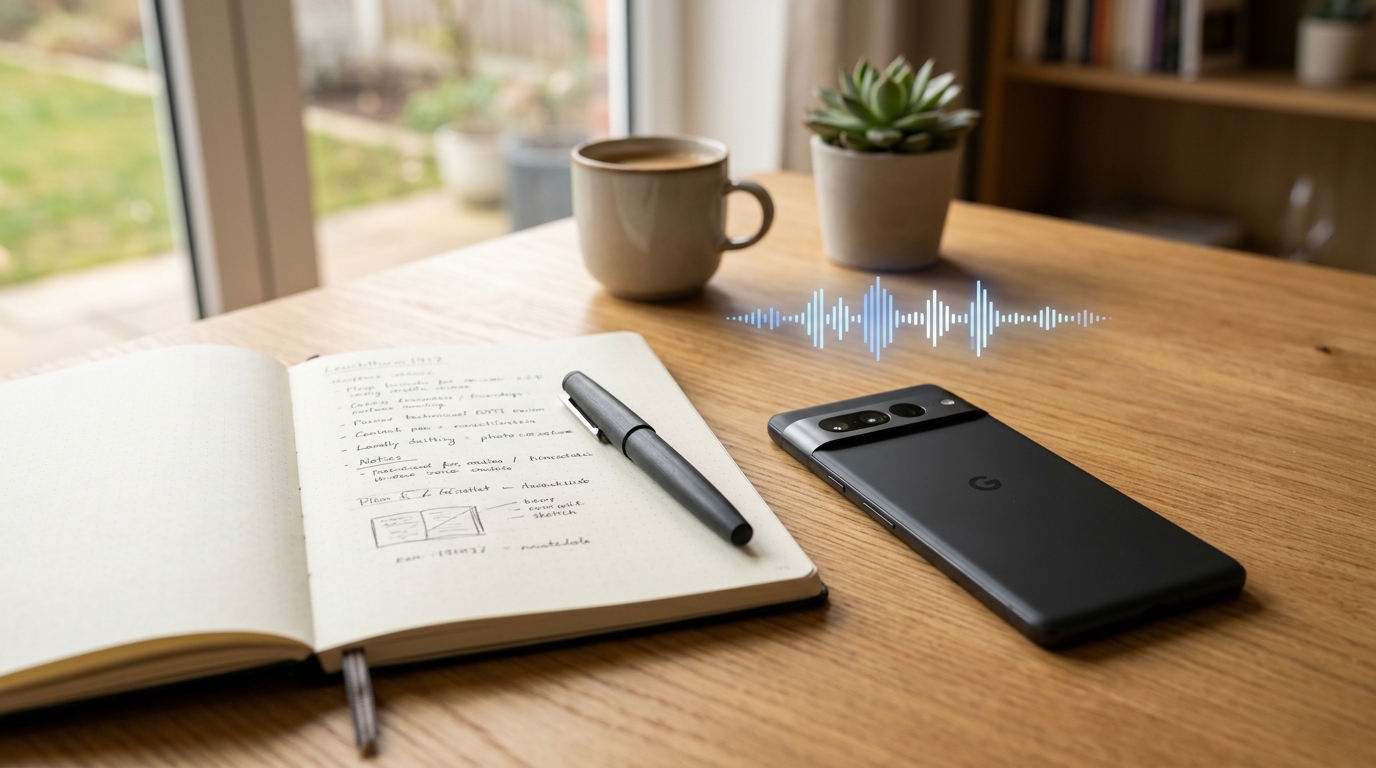
According to recent industry data from Adjust, global mobile app sessions continue to grow as artificial intelligence moves from a novelty to core mobile infrastructure. If you are struggling to capture important verbal details, Call Recorder - AI Note Taker is a mobile application available on iOS and Android that records your phone calls and voice memos, converting them into accurate text transcripts and summaries. In my years researching digital privacy and daily tech workflows, I have watched countless professionals lose critical information simply because they relied on human memory or scattered audio files. This walkthrough will show you how to modernize your audio capture workflow, outlining who benefits most and how to integrate it into your routine without compromising your personal data.
1. Identify Your Exact Voice Capture Bottleneck
Before installing any new tool, it's vital to understand exactly where your current system fails. Most people operate under the illusion that they will remember the specifics of a verbal agreement. Whether you are dialing a comcast customer service number to dispute a complex billing issue, or conducting a fast-paced interview while walking, human memory is fundamentally unreliable. From a security standpoint, rely on verified logs rather than mental notes which can be misremembered during disputes.
This application is specifically designed for freelancers, researchers, journalists, and small business owners who constantly handle high-value verbal information on the go. Conversely, it is not for individuals looking for hidden surveillance tools; this is a transparent productivity utility built for active professionals. Even if you are routing your business communications through a secondary line or a textnow app, the core problem remains the same: raw audio is difficult to search and audit until it is processed. By identifying which conversations you are losing—be it client briefs or impromptu brainstorming sessions—you establish a clear case for a dedicated voice and text system.
2. Transition from Physical Notepads to Automated Systems
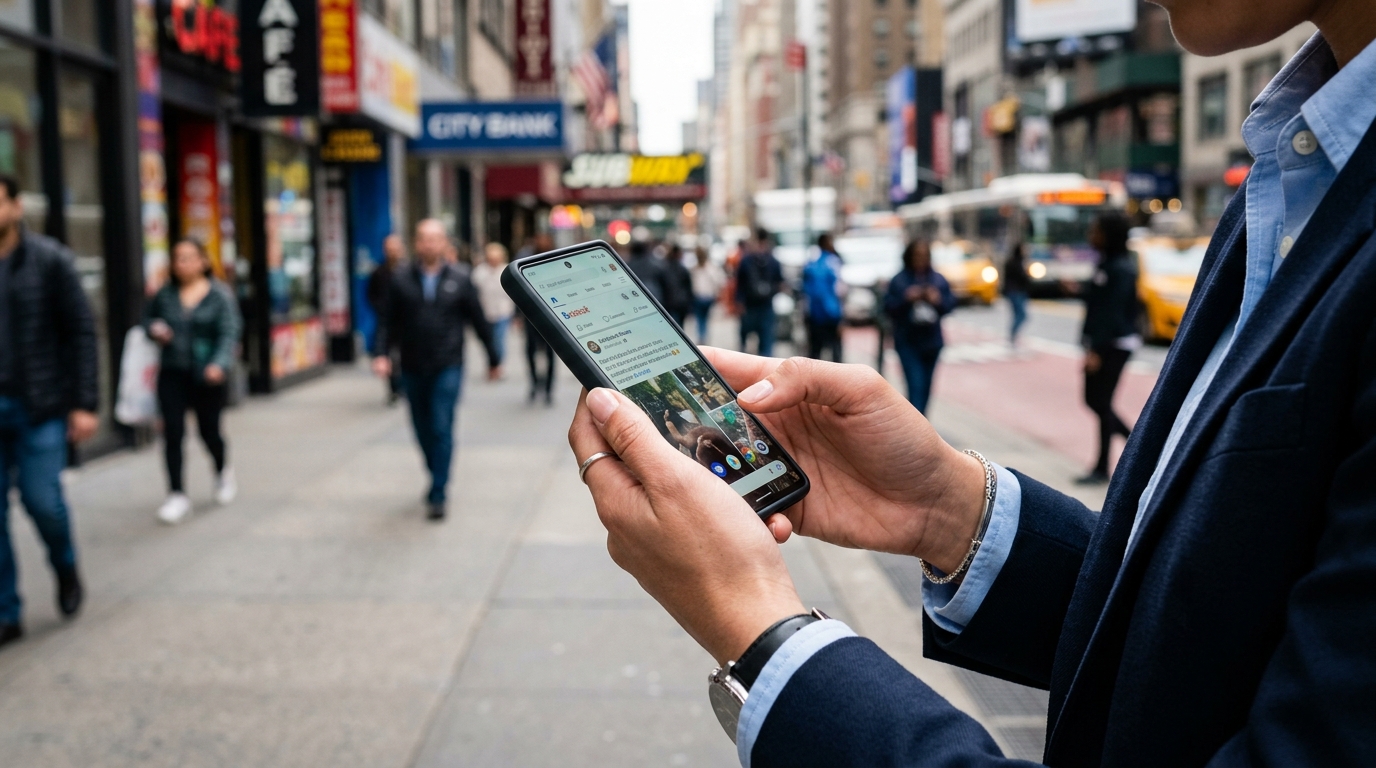
The next step is replacing outdated habits that fragment your focus. For decades, the standard response to an important phone call was grabbing a physical journal or notebook and frantically scribbling notes. As digital tools evolved, this habit simply shifted to opening a basic notepad app, typing into google keep, or maintaining a massive onenote file on a secondary monitor.
However, manually typing notes while actively participating in a conversation forces your brain to multitask, which often degrades the quality of your communication. You might rely on sophisticated desktop agents like otter ai for scheduled virtual conferences, but those tools rarely translate well to spontaneous mobile calls. Relying on an isolated digital one note file means you are still doing all the heavy lifting. By setting up Call Recorder - AI Note Taker, you automate the documentation phase. You speak naturally, and the application captures the audio and creates the text structure for your notebooks automatically.
3. How to Record Telephone Conversation on iPhone and Android
Regarding the technical setup, you need a workflow that triggers easily when a call begins. A frequent question I encounter in my research is how to record telephone conversation on iphone, given Apple's strict sandboxing of the native phone app. The process is quite logical once you understand the software's mechanism.
Rather than relying on clunky external hardware or hoping a basic voicemail transcript will suffice, the app uses an integrated conference-calling bridge to capture the audio securely. If you are wondering how to record a phone call on android, the process is equally streamlined, adapting to the specific permissions of your device. Setup requires only a few taps to verify your number and grant microphone access. Once configured, it acts as a personal, intelligent assistant that operates in real-time. Even if you frequently use web-based alternatives like google voice, having a native recorder on your device ensures that your primary cellular interactions are never lost.
4. Funnel Your Transcripts into Actionable Workflows
Capturing the conversation is only half the battle; the fourth step involves routing that data effectively. Modern productivity is defined by how fluidly your data moves between tools.
Once your call concludes, the app generates a transcript and an AI-driven summary. You don't have to keep this text locked within the app. You can export key action items directly to your preferred productivity suite. Some professionals feed their transcripts into advanced logic engines like claude by anthropic or task-specific tools like manus to generate project proposals. Others might paste quick summaries into pingo ai for rapid categorization, or simply store them in keep for personal reference. The goal is to let the recorder handle the capture, so you can focus on the high-level analysis.
5. Connect Mobile Audio to Your Desktop Ecosystem
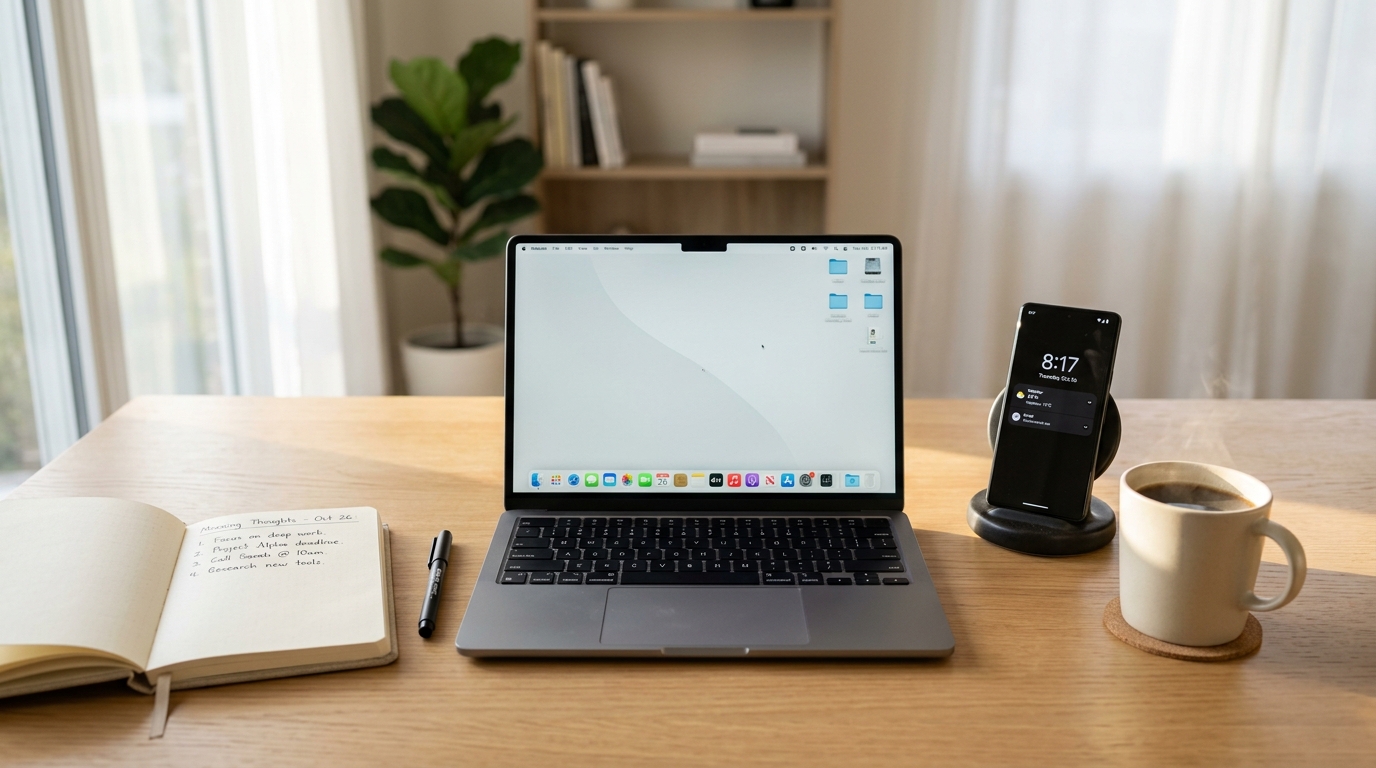
A common failure point occurs when a professional has excellent mobile call records but completely separate desktop meeting notes. For example, right before you tap a zoom join meeting link on your mobile calendar, you might receive a crucial phone call altering the project scope. If that phone call is recorded and summarized on your device, you can instantly reference the text during your desktop zoom meeting.
As I explained in a recent article regarding The New Teams-Friendly Summary Workflow, maintaining cross-platform continuity is vital for modern work. Our broader mobile ecosystem at Frontguard focuses heavily on these practical utilities—building tools that solve specific, everyday problems rather than forcing users into restrictive walled gardens.
6. Secure Your Data and Manage Privacy Permissions
The final, and arguably most important, step is securing the information you capture. Consumer awareness regarding data privacy is at an all-time high, with more users now making conscious choices about their digital footprint and app tracking permissions.
When operating a call recorder, you must practice strict local and legal hygiene. Always verify your local two-party consent laws before recording a conversation, and make it a habit to verbally inform the other party at the start of the call. Furthermore, regularly audit the transcripts stored on your device. Delete audio files for sensitive interviews once the verified text is secured in your encrypted primary database. By treating your mobile device as a secure capture point rather than a permanent storage locker, you ensure that your workflow remains both efficient and deeply respectful of privacy standards.