
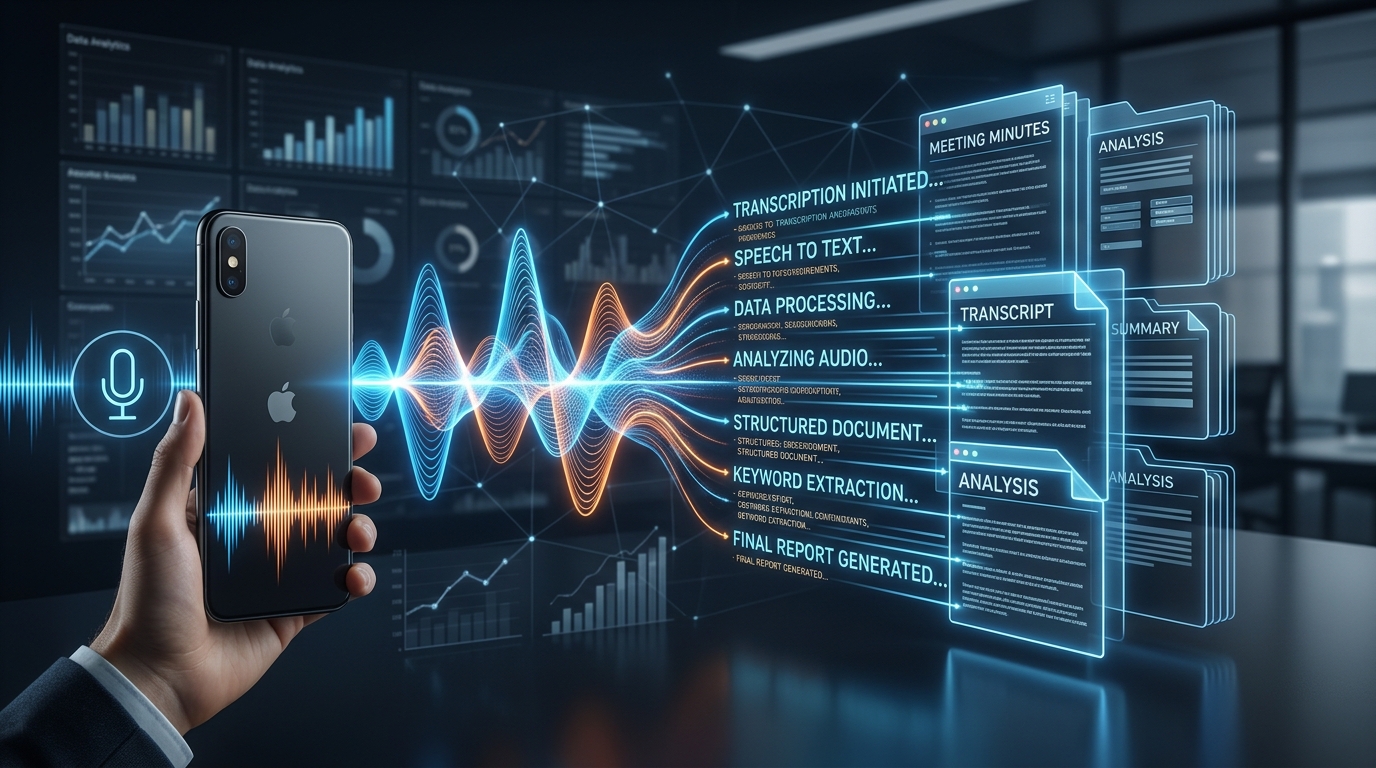
We are currently stockpiling more useless audio data than at any other point in human history. Every day, millions of users search for ways to capture important conversations, yet less than a fraction of those raw recordings are ever played back. If you want to know how to record a phone call on Android or iOS effectively, the answer is no longer a standalone audio file. You need a system that captures the voice, transcribes the speech, and organizes it into a searchable format automatically. AI Note Taker - Call Recorder does exactly this by acting as an integrated, intelligent capture tool rather than a passive tape deck.
In our work analyzing user behavior and data analytics, I constantly monitor the gap between what people download and what they actually keep using. We have recently crossed a significant milestone of over 100,000 active transcription sessions, and the behavioral patterns we are seeing align perfectly with broader global shifts in how we interact with utility applications.
Why are we recording more but remembering less?
Think about the last time you used a basic voice recorder or an answering service. You capture the audio, save the file, and then completely forget about it. When you need to reference a specific detail—like a troubleshooting step from a Comcast customer service number or a project deadline mentioned during a chaotic commute—you are forced to scrub through twenty minutes of timeline hoping to find a ten-second soundbite.
The core problem is digital friction. Traditional apps treat the phone call or voice memo as the final output. Users attempt to bridge the gap manually, listening to the audio while typing notes into a physical notebook, a digital journal, or apps like OneNote and Google Keep. This manual transfer is tedious, leading to high abandonment rates for conventional recording tools. People don't want a repository of MP3 files; they want the actual information contained within them.
What does global retention data tell us about AI tools?
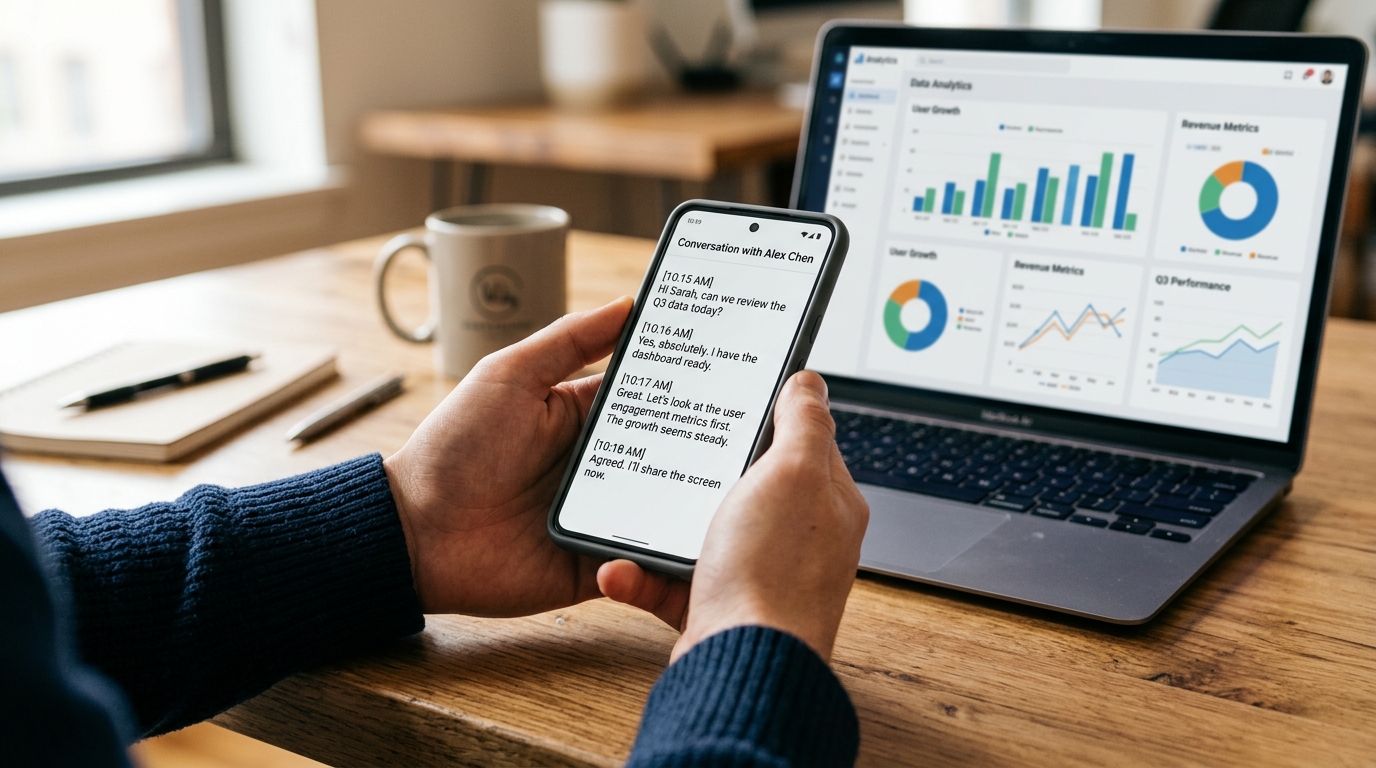
The mobile app economy is undergoing a significant structural shift. According to the comprehensive Adjust Mobile App Trends report, global app installs increased by 10% recently, while consumer spending surged by over 10% to hit a staggering $167 billion. But the most critical insight from the data isn't the growth volume—it is the changing nature of the technology itself.
The report indicates that artificial intelligence has moved past the 'hype' phase to become a foundational part of how apps function. We are seeing this exact shift in our milestone user data. Early adopters used to download apps simply because they had "AI" in the title. Today, users demand operational efficiency. They expect the technology to run silently in the background, handling the end-to-end process of capture, segmentation, and insight generation without requiring constant manual prompting.
Interestingly, the data also shows that iOS App Tracking Transparency (ATT) opt-in rates have climbed recently. This upward trend suggests a maturing user base: when an app provides transparent, tangible utility—like securing crucial meeting notes rather than just collecting data for targeted ads—users are increasingly willing to grant the necessary permissions.
How does infrastructure differ from traditional apps like Google Voice or Otter AI?
When you look at tools like Google Voice, a standard textnow app, or even earlier iterations of Otter AI, they were often built as isolated destinations. You had to consciously open them, manage their specific workflows, and manually export the results to your preferred workspace.
Modern solutions operate differently. As my colleague Burak Aydın noted in his recent analysis of why we are still losing call details, the market is shifting toward interactive capture. Rather than acting as a separate destination, an effective tool acts as infrastructure. Whether you need to figure out how to record telephone conversation on iPhone securely or you are pulling audio from a Zoom meeting, the capture mechanism should instantly connect to a summary engine. It bridges the gap between the spoken word and the final notepad destination without the usual manual steps.
Who actually benefits from integrated voice capture?
Understanding the exact audience for this technology helps clarify its value. Based on the session data we've analyzed, the most successful adoptions fall into specific professional and personal categories:
- Freelancers and Consultants: Those who regularly negotiate scope or handle client feedback over the phone need immediate, accurate transcripts to back up their contracts.
- Students and Researchers: Individuals who previously relied on physical notebooks, long-form manuscripts, or basic voice memos to capture long lectures. They require tools that can turn an hour of audio into digestible study points.
- Small Business Teams: Teams that coordinate via a quick phone sync or a Zoom join meeting and need an immediate, shareable text summary to keep everyone aligned without writing a formal email.
Conversely, it is important to note who this technology is not for. It is not designed for covert tracking or unconsented surveillance. The focus of a modern transcription engine is productivity and personal knowledge management, requiring ethical use and adherence to local consent laws.
How should you evaluate your next voice capture tool?
With so many options competing for space on your home screen—from advanced chat interfaces like Claude by Anthropic and Pingo AI to simple utilities like a default voicemail or Samsung voice recorder—choosing the right system requires a clear framework. In my research into family technology and parental control solutions, I often advise users of tools like Frontguard to prioritize data privacy and practical utility over flashy interfaces; the same operational discipline applies to your personal audio data.
Consider these criteria before committing to a workflow:
1. Post-Call Automation
Does the tool require you to manually initiate a transcription after the call ends? The system should automatically transition from recording to text generation. If you still have to export the audio file to a secondary service, the app is failing its primary purpose.
2. Accuracy Across Environments
A quiet room is easy to transcribe. The real test is a chaotic environment. Your tool must handle background noise effectively, distinguishing between your voice and ambient traffic.
3. Data Centralization
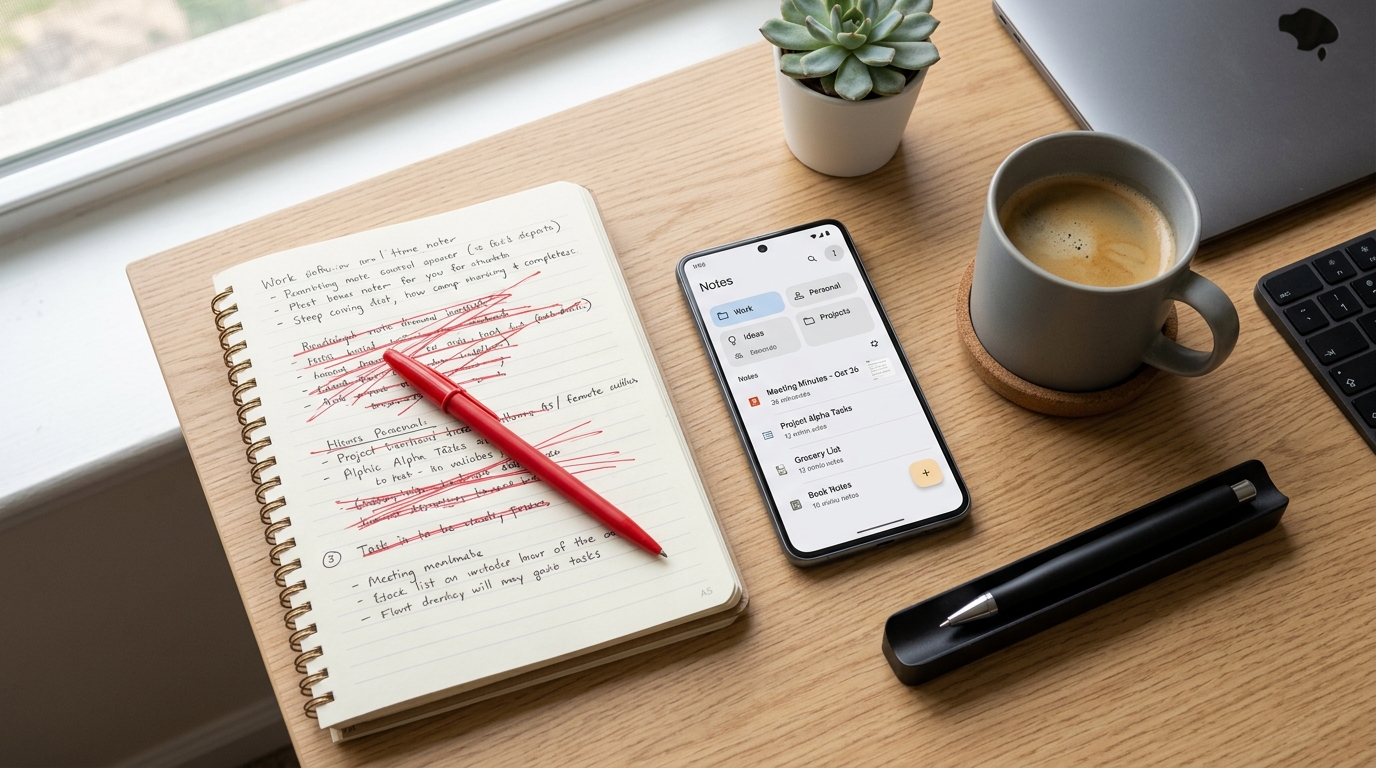
If your notes are scattered across Apple Notes, physical journals, and random app folders, you lose the benefit of searchability. The ideal application consolidates your phone calls, in-person meetings, and quick voice thoughts into one searchable index.
How do you implement this in your daily routine?
The gap between capturing data and utilizing it is finally closing. Market data proves that consumers are exhausted by single-function apps and are rewarding platforms that offer comprehensive organization.
You don't need to completely abandon your existing habits, but you should upgrade the underlying infrastructure. If you want a dependable way to ensure no detail from a client call or personal brainstorming session slips through the cracks, AI Note Taker - Call Recorder's transcription features are designed specifically for that outcome. Stop accumulating unplayed audio files and start building a reliable, searchable archive of your most important conversations.