

Relying on your unassisted memory after a high-stakes client negotiation or an hour-long digital briefing is a massive professional liability. In my years analyzing digital privacy and productivity workflows, I’ve observed that whether you need to transcribe YouTube research or record a private consultation, professionals often trust their recall too much, only to lose critical nuances within hours. We are expected to process more spoken data than ever before, yet many still rely on a basic physical journal or a disjointed digital notepad to capture it.
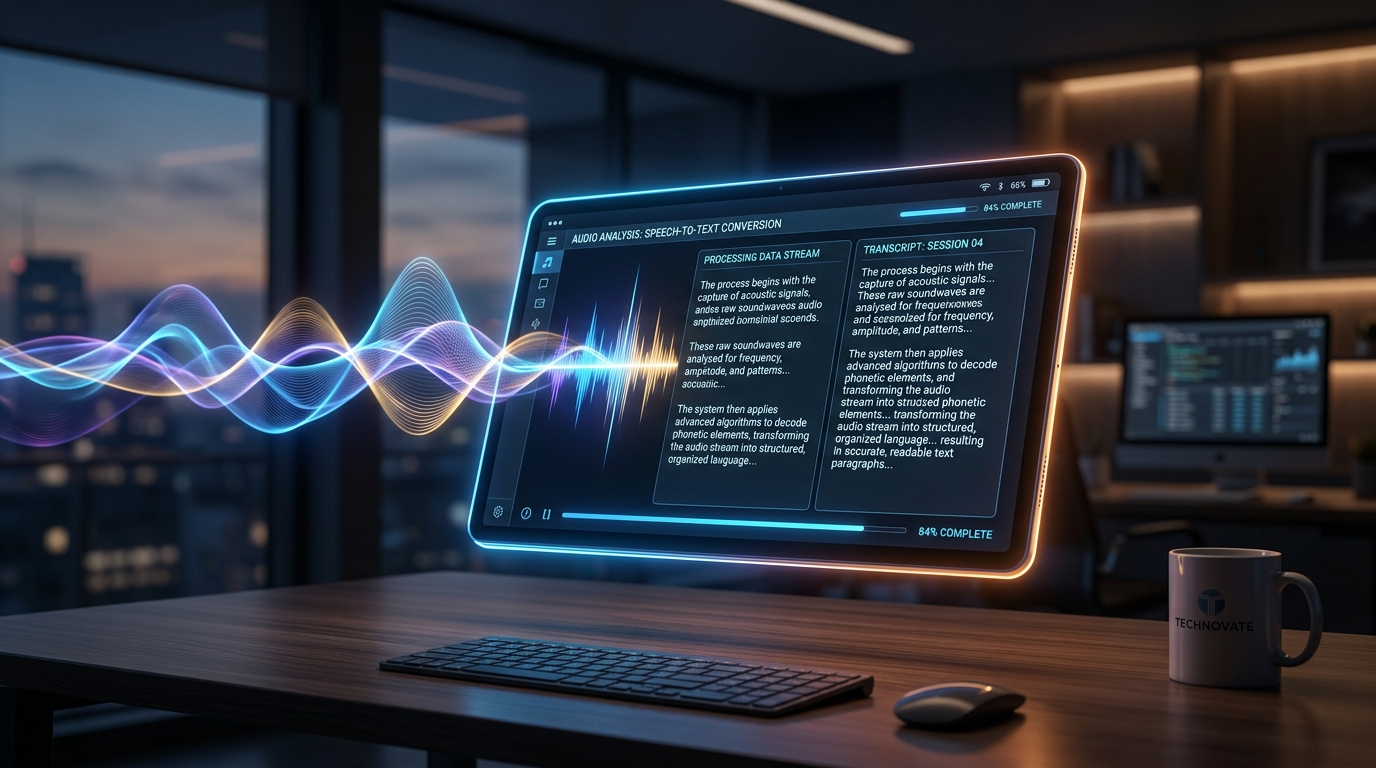
At its core, Call Recorder - AI Note Taker is an intelligent application for iOS and Android that functions simultaneously as a high-fidelity phone call recorder and a voice-to-text summarizing engine. It is designed to bridge the gap between raw audio and actionable, searchable text. If you want a secure, immediate record of your spoken interactions, this app’s foundational AI architecture is designed for exactly that outcome.
Before we examine specific use cases, we need to understand why the old methods are failing.
The Real Productivity Cost of Manual Capture
The shift away from typing out notes isn't just a trend; it is backed by hard performance data. According to comprehensive automated transcription research compiled by Sonix, manual transcription creates severe productivity bottlenecks, typically requiring four to six hours to process just one hour of audio. When you automate this, the time savings are enormous. The same research indicates that 62% of professionals using automated transcription save over four hours weekly—recovering more than a month of productive time annually.
With the global automated transcription market projected to surge to $19.2 billion by 2034, it is clear that organizations are rapidly abandoning the manual notebook in favor of intelligent voice capture.
How Do You Transcribe YouTube Content and Extract Real Value?
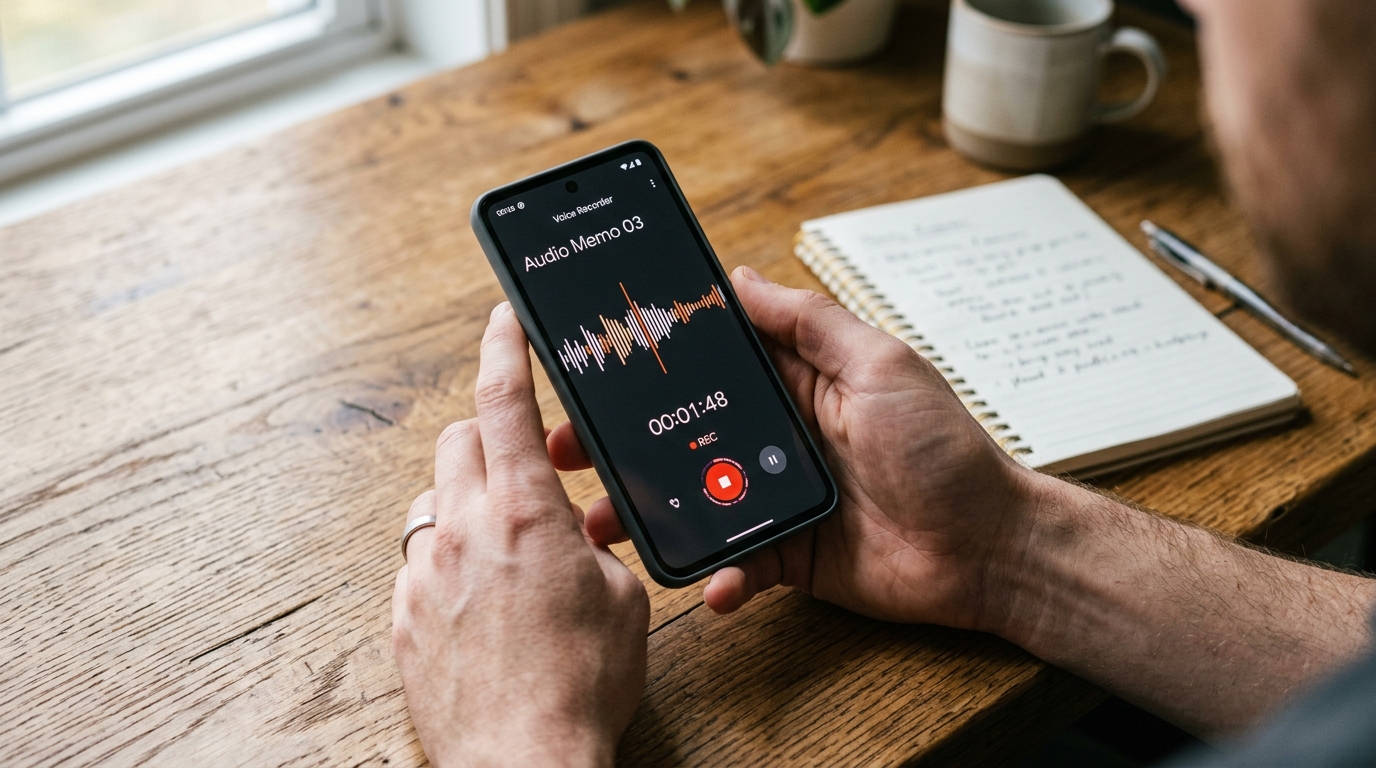
One of the most frequent scenarios I encounter involves research. Professionals consume massive amounts of video content, but extracting actionable data from video is notoriously inefficient. You watch an hour-long industry panel, and if you don't transcribe YouTube audio into text, that knowledge is locked inside a timeline you will likely never scrub through again.
Industry data published by WifiTalents highlights the sheer volume of video engagement, noting that captioning for YouTube videos increases view time by 12%. But for researchers and knowledge workers, the goal isn't just watching—it's capturing. When you need to transcribe YouTube tutorials, lectures, or competitor analysis videos, you cannot rely on pausing and typing into Google Keep or OneNote. You need an automated system. By playing the audio and using a dedicated voice capture tool on your mobile device, you instantly convert passive video consumption into a searchable text archive.
Define Your Tool: Who This App Is Actually For
Understanding user profiles is critical in the crowded app market. I always advise my readers to be specific about their needs before downloading another utility.
- Who it is for: Freelancers, journalists, small business owners, and solo professionals who manage their own client communications and need a verifiable record of what was said.
- Who it is NOT for: Massive enterprise call centers looking to integrate a compliance-heavy, thousand-seat answering service across legacy servers.
As my colleague Burak Aydın explained in his recent deep-dive, What is Whisper Flow? Moving Beyond a Basic Recorder, modern transcription strips away the manual tasks that previously plagued mobile audio capture.
Practical First-Use Scenarios: Securing Your Spoken Data
The true test of any privacy-focused productivity tool is how it handles friction in the real world. Let's look at three practical scenarios where intelligent capture outperforms generic alternatives.
1. The High-Friction Support Call
Imagine dialing a Comcast customer service number to dispute a billing error. These calls are notoriously convoluted. If you don't know how to record a phone call on Android or iOS securely, you are left with no proof of the representative's promises. By routing the call through a reliable AI capture tool, you secure an exact transcript of the agreement, protecting your interests far better than a hastily scribbled one note.
2. The Disjointed Digital Meeting
You receive a last-minute Zoom join meeting link. You are on your laptop, but your primary note-taking environment is fragmented across a dozen open notebooks. Instead of typing frantically during the Zoom meeting, you activate your mobile app as an external ambient recorder. It captures the room's audio, processes the transcription locally, and delivers a clean summary by the time you leave the call.
3. Capturing Fleeting Voice Memos
Sometimes the most critical information isn't a conversation with someone else—it's your own voice. Whether you are using a secondary line via the TextNow app, accessing a complicated Google Voice setup, or simply trying to save a fleeting voicemail, treating your phone as an active listening device ensures those thoughts aren't lost.
Navigating the Ecosystem: Generic vs. Specialized Tools
When selecting your capture infrastructure, context matters. You might see heavy marketing for standalone LLMs like Claude by Anthropic, Manus, or Turbo AI. While these are exceptional text processors, they are not native mobile audio recorders. They require you to already have the text.
Conversely, established transcription giants like Otter AI (often searched as Otterai) have largely pivoted toward enterprise meeting integrations. They are excellent for corporate boardrooms but often feel bloated for a solo freelancer just trying to record a quick phone interview.
Generic utilities like Apple Notes or Google Keep provide a place to type, and obscure tools like Pingo AI attempt niche solutions, but they lack the unified workflow of capturing the raw call, functioning as an offline recorder, and delivering the AI summary in one secure environment. The goal is to consolidate. If you are interested in exploring how focused mobile utility companies are building these unified experiences, it is worth looking at developers like Frontguard, who specialize in family and professional tracking and security apps.
Take Control of Your Audio
In my professional assessment, continuing to treat your daily conversations as disposable audio is a mistake. The technology now exists to secure, transcribe, and summarize every critical interaction immediately. Whether your priority is to effortlessly convert video references into text or maintain an airtight log of client calls, upgrading from a basic voice memo app to an AI-driven note taker is the most effective security and productivity decision you can make this year.